How to Save Social Media Content in One Place
Learn how to save posts from Instagram, TikTok, YouTube and the web, choose between native bookmarks and a cross-platform library, and find them later.

How to save social media content—and actually find it later
To save social media content, you can use each platform's bookmark feature, send links to a notes app, or use a cross-platform library. The right choice depends on what you save and what you plan to do with it.
Native bookmarks are quick, but they remain scattered across Instagram, TikTok and YouTube. A separate library adds one sharing step and gives recipes, places, tutorials and ideas a common home.
On this page
- Choose the right kind of save
- How to save from each platform
- Build a cross-platform library
- Organize content around actions
- Avoid broken links and copyright mistakes
- Frequently asked questions
Choose the right kind of save
People often use “save” for three different actions:
- Bookmarking keeps a post in the platform's account-based library.
- Saving a link sends the post URL to another app.
- Downloading creates an offline copy, when the service and creator permit it.
If you only need a few Instagram posts, native bookmarks may be enough. If a project combines a TikTok tutorial, a YouTube video, a web article and a map location, an external library is easier to search and review.
Before saving, ask one question: What will I do with this? “Cook this weekend” is more useful than “interesting.” A clear next action also tells you where the item belongs.
How to save from each platform
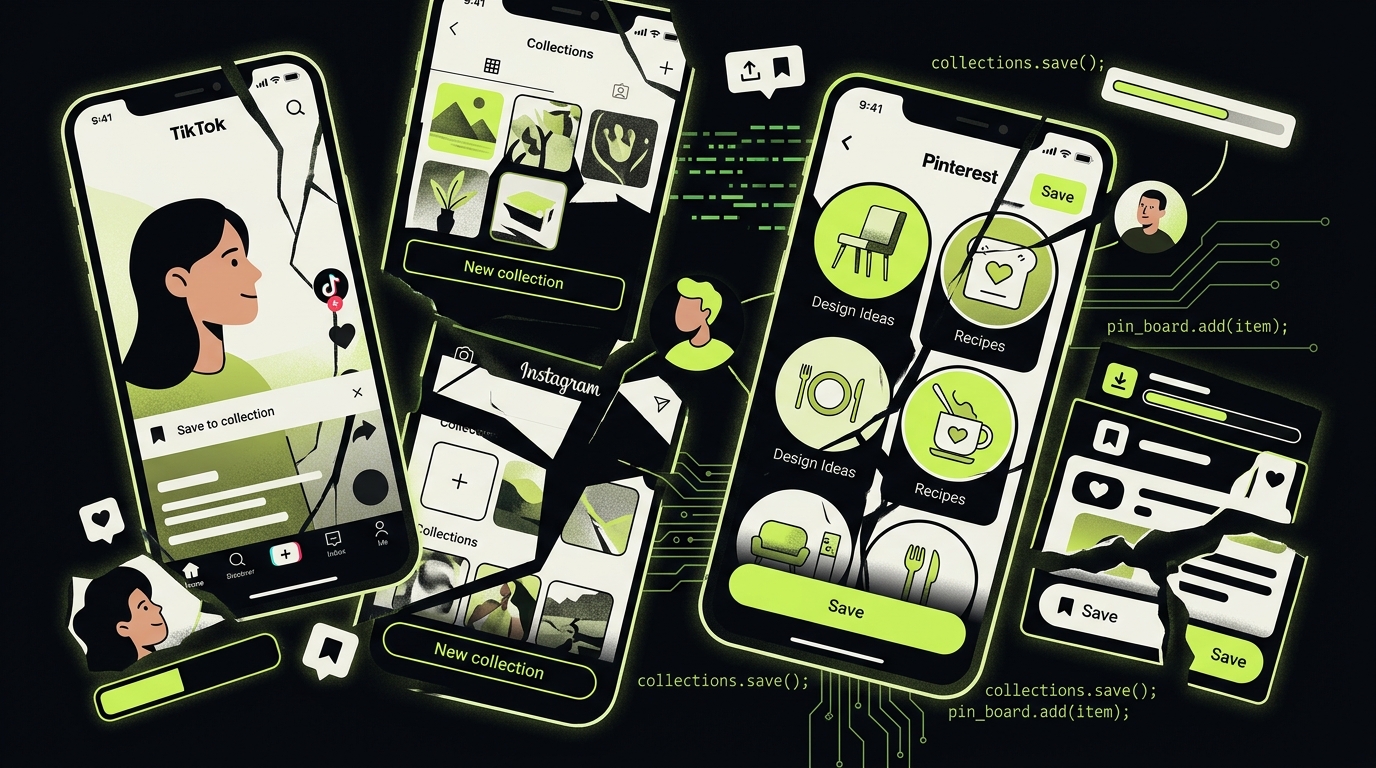
Interfaces change, but the underlying choices remain similar. Do not rely on unofficial download sites that request your password or promise to bypass privacy controls.
Tap the bookmark icon below a post or Reel to keep it inside Instagram. Collections can separate recipes, places or projects. For a separate library, use the Share menu and send the post link to a compatible app.
Private posts remain subject to the author's audience settings. A saved reference does not grant permission to redistribute the content.
TikTok
Use Favorites to keep a video in TikTok. TikTok's official help also documents a separate Save video option for eligible posts; creators can restrict downloads. Favorites and downloaded files serve different purposes: the former stay within TikTok, while the latter depend on the creator's download settings.
YouTube
Use Watch later for a temporary queue or a named playlist for a topic. YouTube's official playlist instructions explain how to save both standard videos and Shorts. Offline downloads are different: they depend on region, plan and video eligibility, and usually remain inside YouTube.
Pinterest already organizes Pins into boards, but mixed projects may still need an external destination. Our guide on how to save from Pinterest explains the difference between saving a Pin, copying its link and downloading an image you are allowed to keep.
Web pages and other apps
On iPhone, tap Share and select a destination such as Notes, Reminders or a saving app. Apple documents that compatible actions can appear in another app's Share Sheet. On desktop, a browser bookmark or web clipper serves the same purpose.
Build a cross-platform library
A useful saving system needs only four properties:
- Fast capture. Saving should take a few seconds from the source app.
- Source context. Keep the original link and creator alongside your notes.
- Searchable details. Titles, tags and extracted information should help retrieval.
- A review path. Items need somewhere to go: an action list, collection, archive or deletion.
Do not begin with dozens of folders. Start with three states:
- Inbox for uncategorized saves;
- Next for items connected to a real action;
- Reference for information worth keeping without a deadline.
This structure works across content types. A recipe in Next may become dinner on Friday; a venue may become a map pin; a tutorial may become the first step in a project.
Organize content around actions
Folders named “Instagram” and “TikTok” reproduce the platform silos. Organize by meaning instead:
- Cook: recipe, ingredients, servings and planned date;
- Go: place, address, opening details and companions;
- Learn: tutorial, required materials and first practice session;
- Buy: product, constraints, price to verify and decision date;
- Read or watch: a deliberately limited queue.
RTRIV is designed for this workflow on iPhone. You share supported content from its source, and the app structures useful details so a save can become a recipe, place, project or other actionable item. Because source formats and privacy settings vary, extraction can require review; the original link remains important.
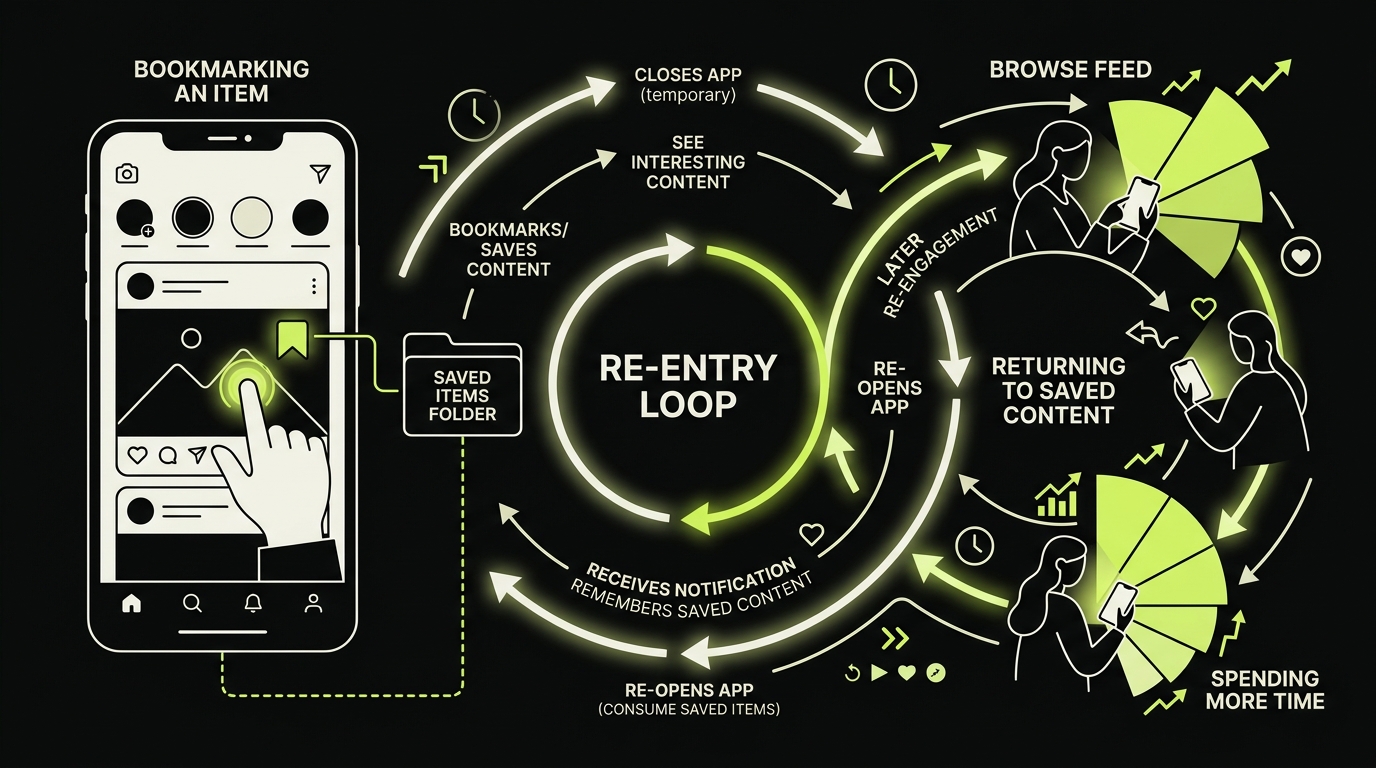
This is different from claiming that every save reduces screen time. A second library can become another backlog. The benefit appears when capture is followed by retrieval, a decision and regular cleanup. See content curation tools for that broader workflow.
A ten-minute weekly review
Once a week:
- delete expired or duplicate items;
- move useful saves from Inbox to Next or Reference;
- give each Next item one concrete action;
- archive completed items;
- keep the active queue short enough to scan.
This review is what turns bookmarking into a system rather than a digital attic.
Avoid broken links and copyright mistakes
A bookmark is not a permanent archive. Creators can delete posts, accounts can become private and URLs can break. For information you genuinely need, keep a short note summarizing why it matters. Do not copy or republish someone else's media without permission.
Also distinguish saving from downloading. Official offline features are safest because they respect platform rules and content restrictions. Avoid entering social credentials into third-party download pages, and never use a tool to bypass access controls.
Key takeaways
- Native bookmarks are best for simple, single-platform retrieval; a cross-platform library is better for mixed sources.
- Bookmarking, saving a link and downloading a file are different actions.
- Organize around outcomes such as Cook, Go and Learn, not around platform names.
- Preserve the source, respect privacy and copyright, and review your inbox weekly.
- A saved post becomes valuable only when it supports a decision or action.
Frequently asked questions
What is the best way to save social media content?
Use native bookmarks if you revisit only one platform. Use a cross-platform library if you save from several apps or want to retrieve ideas without reopening their feeds. The best system is the smallest one you can search and review consistently.
Can I save Instagram and TikTok posts in one place?
Yes. On iPhone, a compatible app can receive links through the Share Sheet and store content from several sources in one library. Availability depends on the source post, its privacy settings and the saving app's support.
Is saving a post the same as downloading it?
No. A bookmark usually stores a reference to the original post; a download creates an offline copy when the platform and creator allow it. Posts can later be edited, restricted or deleted, so important information should be captured lawfully and with respect for copyright.
Frequently Asked Questions
About
Équipe RTRIV
We design RTRIV to turn saved content into decisions, projects and moments that are actually lived.