Freedom App Review 2026: Is It Worth It?
Thinking about Freedom app for iPhone? This honest Freedom blocker review covers pricing, limits, and a smarter alternative for beating phone addiction.
Freedom App Review: Does This Distraction Blocker Actually Work?
Here's an honest, in-depth look at what Freedom does well, where it falls short, and whether a different kind of tool might serve you better.
On This Page
- What Is Freedom and How Does It Work?
- Freedom App iPhone Experience: Features Breakdown
- Freedom Blocker Review: The Real Limitations
- Freedom App Alternatives Worth Considering
- Why Rtriv Takes a Different Approach
- Which Tool Is Right for You?
- Key Takeaways
- Frequently Asked Questions
What Is Freedom and How Does It Work?
If you've been searching for a reliable freedom app review, you're likely already past the point of wondering whether you scroll too much — you know you do, and you want something to stop it. Freedom is one of the most well-known distraction-free tools on the market. It lets you block websites, apps, and entire categories of content across Mac, Windows, iOS, and Android simultaneously. That cross-device app blocker functionality is arguably its biggest selling point.
Freedom works by running a local VPN on your device. When a block session is active, any request to a blacklisted site or app gets rerouted and dropped. Sessions can be scheduled in advance, triggered manually, or set to recur automatically. You can also create custom blocklists or use Freedom's pre-built categories like "Social Media," "News," or "Adult Content."
The pricing model is subscription-based: roughly $3.33/month on an annual plan, or $6.99/month billed monthly. A free trial gives you seven sessions to test the product. There is no permanently free tier.
Freedom has been around since 2012 and has built a loyal base among writers, developers, and students who need deep-work sessions without the constant pull of notifications.
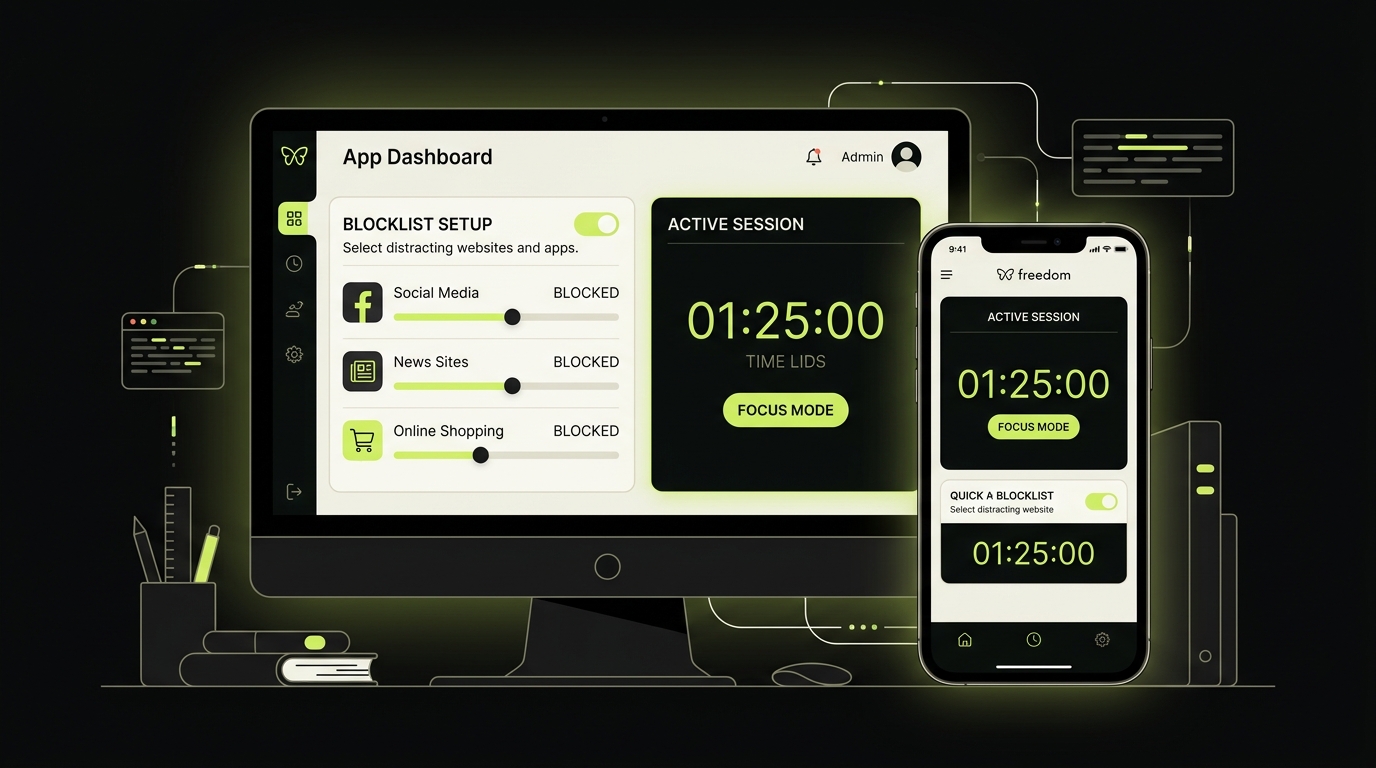
Freedom App iPhone Experience: Features Breakdown
The Freedom app iPhone experience is functional, but it comes with some nuances that matter depending on how you use your phone.
Scheduled Sessions and Recurring Blocks
One of Freedom's strongest features is the ability to schedule recurring block sessions. You can tell it to block Instagram every weekday morning from 7am to 9am — set it and forget it. For users with predictable routines, this kind of automation is genuinely useful.
Locked Mode
Freedom offers a "Locked Mode" that prevents you from stopping an active session early. This is intentional friction by design — once you commit, you're committed. For people who know they'll cave under pressure, this can be the deciding factor in choosing Freedom over a softer tool.
Sync Across Devices
The Freedom site blocker syncs sessions across all your registered devices. Start a block on your Mac and it automatically applies to your iPhone. This matters because many people instinctively pick up their phone the moment their laptop becomes restricted.
Ambient Sounds and Focus Tools
Freedom also includes a built-in ambient sound player (white noise, rain, café sounds) to pair with focus sessions. It's a nice addition, though it feels more like a bonus feature than a core differentiator.
The VPN Limitation on iOS
Here's something most freedom app reviews gloss over: on iPhone, Freedom runs through a VPN profile. This means only one VPN can be active at a time. If you use a privacy VPN like Mullvad or ProtonVPN, you'll have to choose between privacy and blocking. That's a real friction point for privacy-conscious users.
Freedom Blocker Review: The Real Limitations
No freedom blocker review would be honest without addressing the structural weaknesses.
The most significant limitation is that blocking access does not automatically change the need or cue behind the behavior. Some users follow the rule; others move to an unblocked site or wait for the session to end. The weekly device report is the best way to tell which pattern applies to you.
This is the core tension with any hard-block approach: it treats the symptom, not the cause.
Freedom can be circumvented. Disabling the VPN profile through iOS Settings, turning on Airplane Mode and back off, or simply uninstalling the app are all options that remain open to the user. Locked Mode helps, but it's not foolproof. A sufficiently motivated (or sufficiently addicted) user will find the workaround.
There's also no learning component. Freedom doesn't tell you which apps consumed the most of your time, doesn't reflect back your patterns, and doesn't help you understand why you reach for your phone. It simply removes access and leaves the psychological loop intact.
For users with mild distraction issues or those who need to protect a specific work window, this is often enough. For users dealing with genuine compulsive scrolling — the kind where you open Instagram, close it, and reopen it twelve seconds later — blocking alone rarely produces lasting change.
Freedom's official feature page documents cross-device sessions, scheduling and Locked Mode. Pair those controls with a brief note about what triggered each attempted opening; the observation helps you decide whether to tighten the block or address a different need.
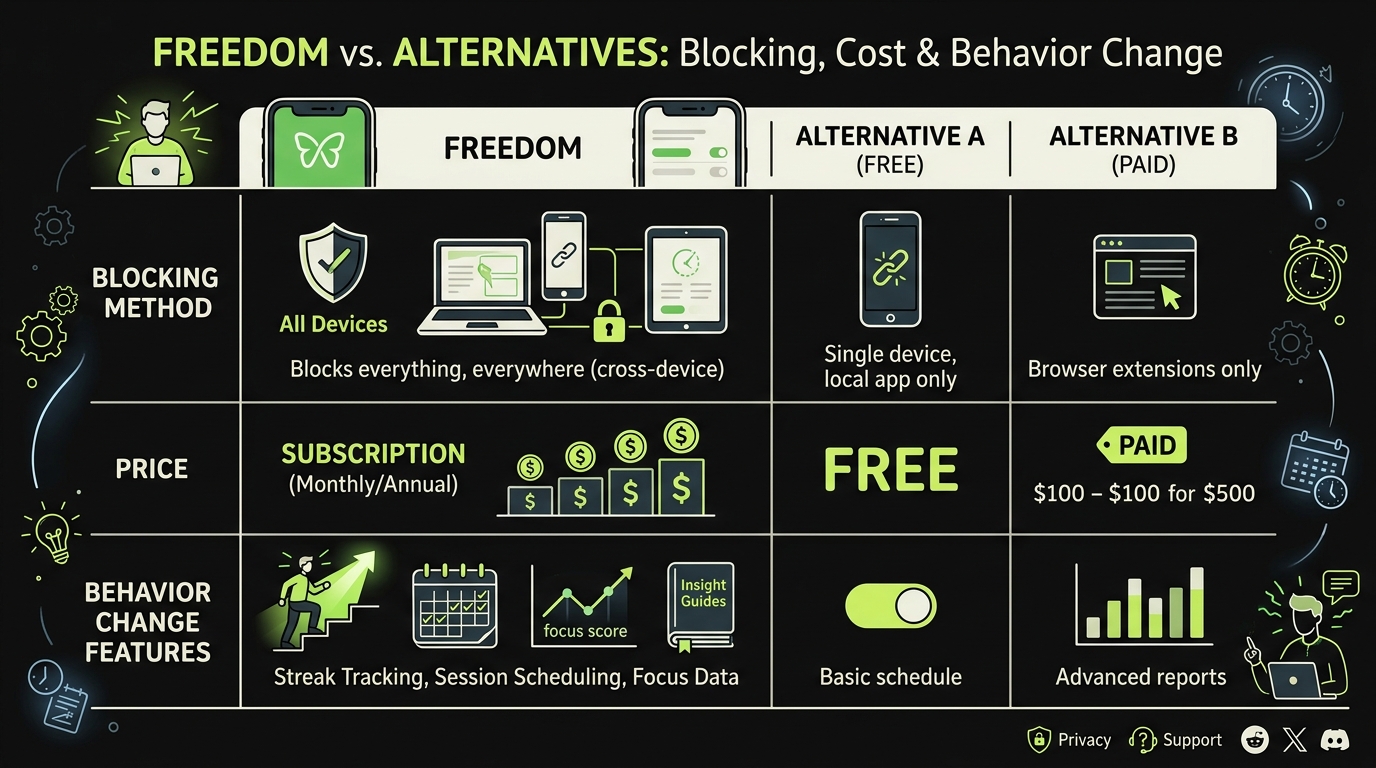
Freedom App Alternatives Worth Considering
If the Freedom app's limitations feel like a dealbreaker, you have real options. The landscape of freedom app alternatives has expanded meaningfully in the past two years.
Opal is a relevant iOS competitor. It uses Apple's Screen Time controls rather than a VPN profile, which avoids that particular VPN conflict. Its focus-session design may appeal to users who prefer firmer blocking. Check its current free-tier limits before choosing. If you want a closer look at how it stacks up, check out our guide to Opal alternatives.
Screen Time (built-in iOS) is free and surprisingly capable for basic blocking. App limits, downtime scheduling, and communication limits are all available natively. The obvious problem: it's trivially easy to bypass with a single tap and your passcode.
Cold Turkey is a desktop-first tool that's significantly harder to circumvent than Freedom — some blocks genuinely require a system reinstall to remove. It's extreme, and it's mostly Windows/Mac. For serious procrastinators who need maximum friction on a computer, it's worth a look.
None of these, however, address a specific behavior that's increasingly central to compulsive phone use: saving content to consume later, then never actually consuming it, while scrolling endlessly to "save more." That's a loop that blocking apps weren't designed to interrupt.
Why Rtriv Takes a Different Approach
Most tools in this space try to build a wall between you and your phone. Rtriv builds a door with a deliberate latch.
Rtriv is an iOS app designed specifically for people who scroll social media to save content — articles, videos, posts — and then keep scrolling anyway. Instead of blocking access, it introduces intentional friction at the moment of saving. When you try to save a piece of content through Rtriv, you're prompted to engage briefly with it: to confirm you actually want it, to categorize it, to note why it matters to you.
That pause — a few seconds of intentional attention — interrupts the autopilot loop. It's the difference between saving because you genuinely wanted the content and saving as a reflex to justify staying on the platform.
This isn't soft blocking. It's behavioral interruption at the most vulnerable point in the scroll cycle: the moment of apparent productivity that actually just extends the session.
For people who've tried Freedom or other cross-device app blockers and found themselves gaming the system, Rtriv offers a fundamentally different kind of friction. It doesn't fight your phone use — it asks you to be conscious of it.
If you're exploring the broader landscape of tools designed to reduce mindless scrolling, our roundup of the apps to replace doomscrolling covers the full spectrum from hard blockers to behavioral tools.
Which Tool Is Right for You?
The honest answer depends on what kind of phone user you are.
Choose Freedom if: You need hard blocks for focused work sessions, you work across multiple devices, and your problem is primarily distraction during known productivity windows. The cross-device app blocker functionality and scheduled sessions are genuinely strong.
Choose an iOS-native alternative like Opal if: You want cleaner iOS integration, you're a privacy-VPN user, and you don't need Windows or Android coverage.
Choose Rtriv if: Your scrolling habit is tied to content-saving behavior, you've tried blockers and found yourself circumventing them, or you want to address the psychological loop rather than just lock the door. It's not a replacement for a distraction-free tool — it's a complement that targets a different mechanism entirely.
No single app fixes a digital wellness problem. But understanding what each tool actually does — and what it doesn't — is the first step toward choosing one that has a real chance of working for you.
Related reading :
Key Takeaways
- Freedom is a solid cross-device app blocker with strong scheduling features, but its VPN-based iOS implementation creates conflicts for privacy VPN users and can be bypassed by determined scrollers.
- Hard-blocking tools treat the symptom of distraction, not the cause — research shows combining restrictions with reflective behavior change produces significantly better long-term results.
- Rtriv offers a differentiated alternative by targeting the content-saving loop with intentional friction, interrupting compulsive scrolling at the moment of apparent productivity rather than blocking access entirely.
Frequently Asked Questions
About
Équipe RTRIV
We design RTRIV to turn saved content into decisions, projects and moments that are actually lived.