How to Save Reels on Instagram in 2026
Learn how to save reels on Instagram using every available method — and discover why Rtriv is the smarter way to bookmark reels intentionally.

How to Save Reels on Instagram: Every Method Explained
Here is everything you need to know about saving Instagram Reels — from native bookmarks to smarter, more intentional alternatives that actually help you use them.
On This Page
- Why saving reels on instagram matters more than you think
- The native ways to save instagram reels
- Instagram reels download: what's actually possible
- The hidden cost of mindless bookmarking
- How Rtriv changes the way you bookmark reels
- Key Takeaways
- FAQ
Why Saving Reels on Instagram Matters More Than You Think
If you've ever tried to save reels on Instagram, you already know the frustration: the video disappears into a bottomless saved folder you never revisit, or worse, you can't find the native option at all. The intent is always good — you stumble on a tutorial, a recipe, a workout, something genuinely useful — and you want to hold onto it. But Instagram's design doesn't really want you to stop scrolling long enough to do that deliberately.
Saving a Reel can be purposeful—a recipe to cook or a technique to practise—or it can become another reflexive tap. Before creating another bookmark, decide what you expect to do with it and where you will look for it later.
Understanding how to properly save Instagram short videos — and what to do with them after — is more valuable than it first appears.
The Native Ways to Save Instagram Reels
Instagram gives you two built-in methods to save Reels, and they work differently depending on what you want to do with them.
Bookmarking a Reel Inside the App
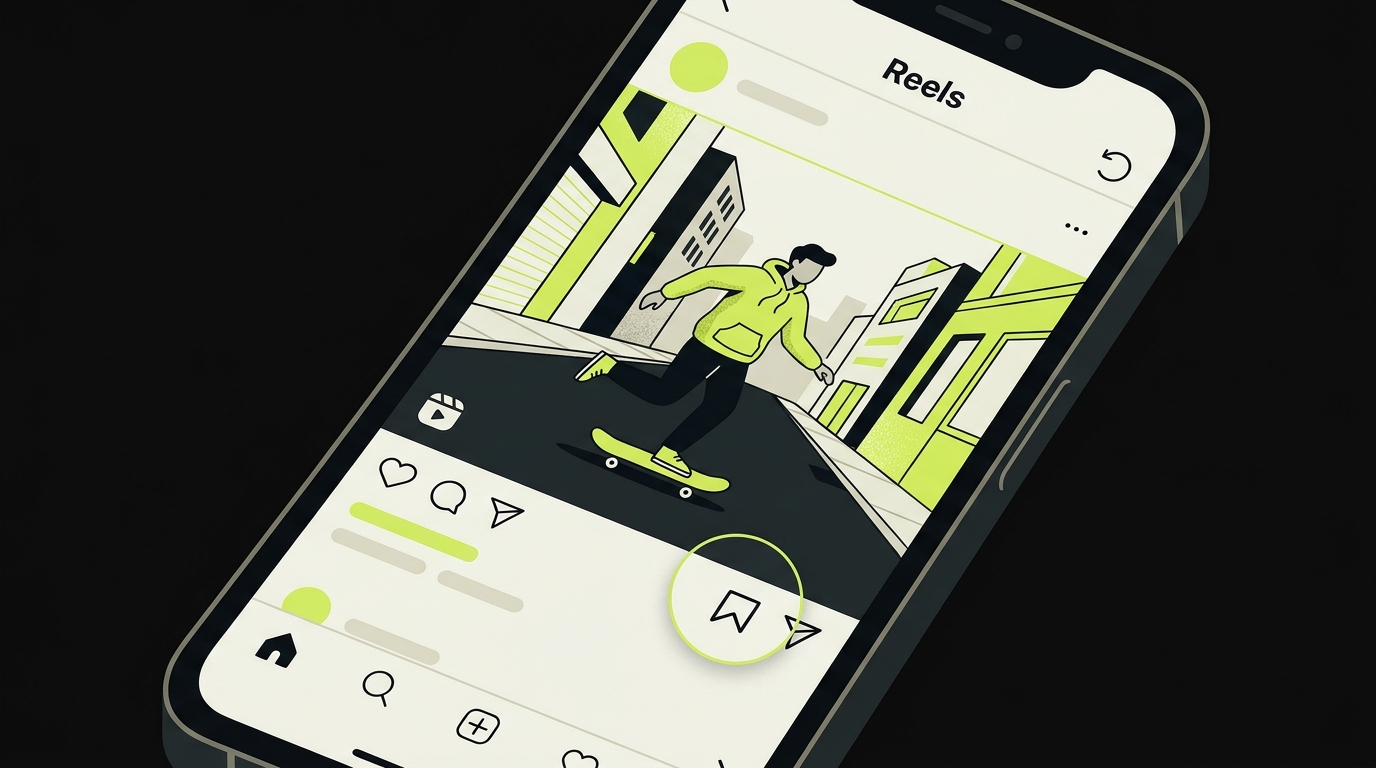
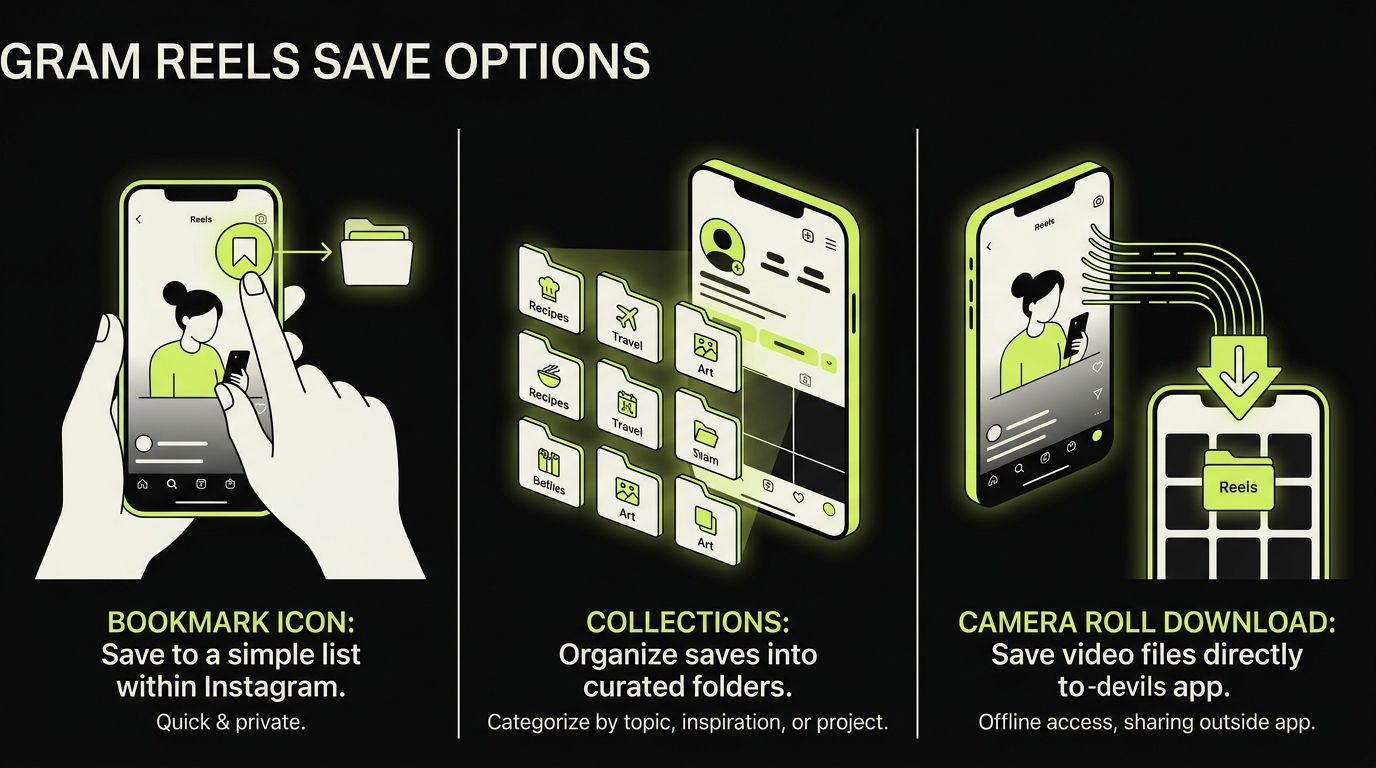
The most straightforward option is the bookmark icon — the ribbon symbol visible beneath every Reel on the right-hand side of the screen. Tapping it once saves the Reel to your default "Saved" collection. Tapping and holding lets you assign it to a specific named collection, which is useful if you're trying to stay organized.
To find your saved Reels later, go to your profile, tap the three-line menu in the top right corner, and select "Saved." From there, you'll see all your collections and individual saves.
This is Instagram's native bookmark reels feature — simple, fast, and entirely contained within the app.
Saving Reels to Collections
Collections are Instagram's way of letting you organize saved content into themed folders. You can create a collection called "Recipes," another called "Workouts," and sort your Reels accordingly.
It sounds useful. In practice, most users never look at them again. The folder fills up, the intention fades, and the content you saved for a reason becomes digital clutter. More on why that happens — and how to fix it — later in this article.
For a deeper look at organizing everything you've saved on the platform, see How to find saved posts on Instagram.
Instagram Reels Download: What's Actually Possible
Saving inside the app is one thing. But what if you want an actual Instagram Reels download — a file stored locally on your iPhone?
When Instagram Allows It Natively
Some creators enable a "Download" option on their Reels. When available, you'll see a download arrow in the share menu (tap the paper plane icon, then look for "Download"). This saves the video directly to your camera roll, including the original audio.
This feature is not available on all Reels — it depends entirely on the creator's settings. Instagram defaults to allowing downloads, but creators can disable it. So you may find the option exists for some videos and not others.
When It Isn't Available
If the download option is missing, Instagram gives you no official workaround. Third-party Instagram Reels download tools exist, but they come with real trade-offs: privacy risks, ads, terms-of-service violations, and videos stripped of metadata or watermarked by a competing brand.
For a thorough breakdown of your options across platforms, How to save content from social media: the complete guide covers everything in detail.
If your main goal is to save Instagram short videos offline for personal use, the cleanest approach is still the native camera roll save — when it's available. For everything else, the bookmark system is your fallback.
For a step-by-step walkthrough of the camera roll method specifically, see How to save Instagram reels to your camera roll.
The Hidden Cost of Mindless Bookmarking
Here's the angle most articles on this topic skip entirely: saving Reels isn't neutral behavior. The act of bookmarking can itself become a compulsive loop.
Saving can feel productive without producing a result. The practical test is whether you can retrieve the Reel and connect it to a next action—cook the recipe, try the exercise, visit the place or share the reference with a collaborator.
You've probably felt this yourself: you save a Reel "for later," but later never comes. The saved folder becomes a graveyard of good intentions.
This isn't a personal failure. It's a design outcome. Instagram has no incentive to help you leave the app to actually use what you saved. The save button keeps you engaged without requiring you to stop scrolling.
Why Your Saved Folder Stays Full and Unused
The core issue is that saving on Instagram happens in the same high-stimulation environment as scrolling. There's no transition, no pause, no moment that signals "this matters — pay attention." The save is frictionless by design, which means it carries no weight. It feels like capturing something, but functionally it's just another tap in a long stream of taps.
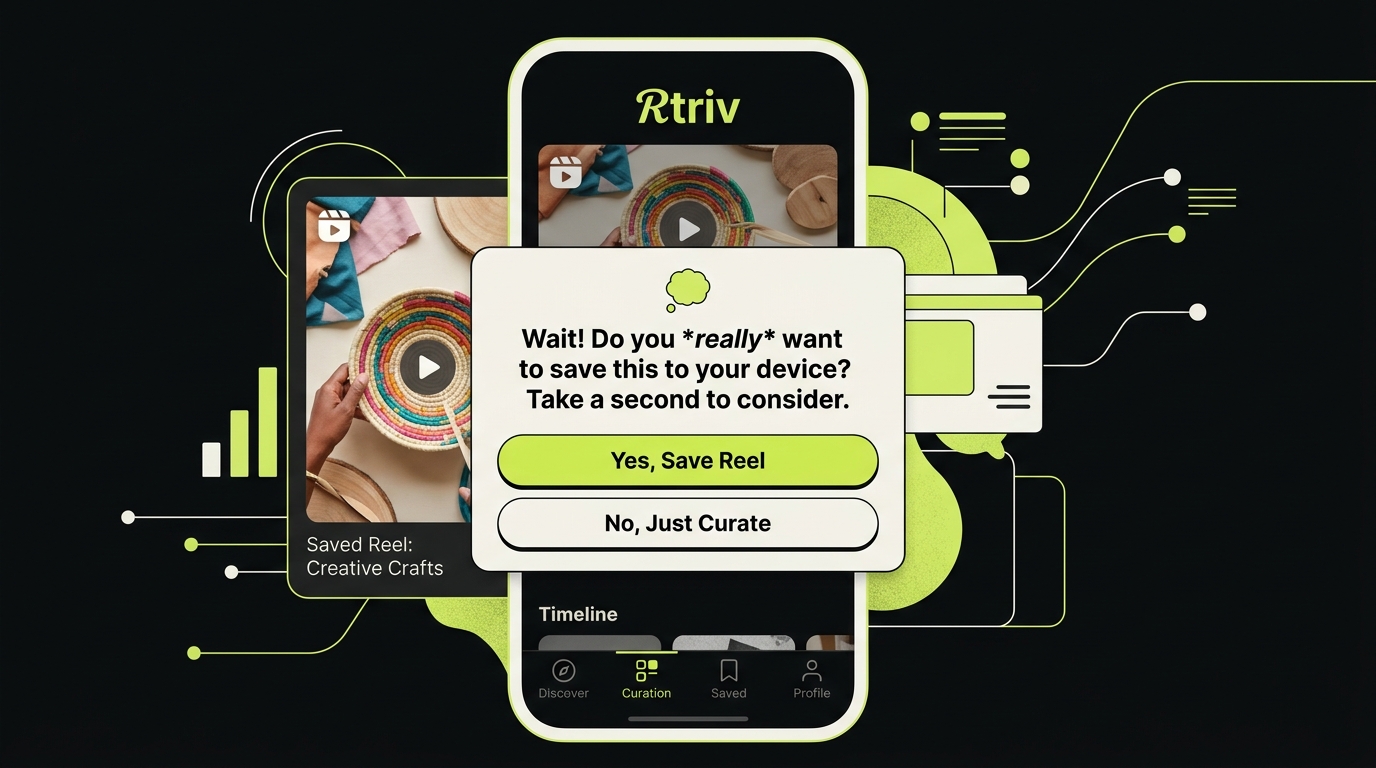
Intentional content consumption requires a different kind of interface — one that builds in a small moment of resistance before saving, so that what you keep actually means something.
How Rtriv Changes the Way You Bookmark Reels
Rtriv is an iPhone app for supported social-media content and web links. Items shared through the iOS share sheet can be centralized in a searchable library and collections; depending on the source, Rtriv can extract information such as a title, summary, transcript, ingredients or steps.
Attention controls are configurable separately. They can add friction or blocking rules before selected apps open and support daily intentions, quotas and reminders.
What Rtriv Does That Instagram Can't
Instagram's saved folder is designed to be a holding area, not a system. Rtriv is designed to be a destination. You can organize saved Reels, revisit them on your own schedule, and the app is built to exist outside the algorithmic feed entirely — so there's no temptation to start scrolling again when you open it.
For anyone who genuinely wants to use what they save on social media — not just collect it — Rtriv offers what Instagram never will: a reason to stop.
If you're someone who saves Instagram Reels with the intention of watching them mindfully, using them for inspiration, or returning to them for practical value, Rtriv is the tool built for that behavior. You can get started at rtriv.io.
If you plan to repost rather than bookmark a Reel, get permission first. Meta’s copyright guidance explains that downloading a work, crediting its creator or finding it online does not by itself grant permission to publish it.
Related reading :
Key Takeaways
- Instagram's native bookmark feature saves Reels to a collection inside the app — but most saved content is never revisited.
- A native Instagram Reels download to your camera roll is only available when the creator has enabled it in their settings.
- Mindless bookmarking can become its own compulsive loop — saving feels purposeful but rarely leads to intentional use.
- Rtriv provides structured saves and optional attention controls; it should not be described as downloading or permanently preserving the original Reel.
- For offline or camera roll saves, check out the dedicated guide on How to save Instagram reels to your camera roll.
Frequently Asked Questions
About
Équipe RTRIV
We design RTRIV to turn saved content into decisions, projects and moments that are actually lived.