How to Stop Doomscrolling: A 7-Step Plan (2026)
Stop doomscrolling with a practical seven-step plan for news triggers, notifications, phone setup, replacement activities and relapse prevention.
How to Stop Doomscrolling: A Practical 7-Step Plan
This guide explains common doomscrolling triggers and gives you a seven-step plan you can test today. It is practical guidance, not medical advice or a promise of a permanent cure.
On This Page
- Why Doomscrolling Feels Impossible to Stop
- The Real Cost of Anxiety Scrolling
- How to Stop Doomscrolling: Step-by-Step
- Tools and Apps That Help You Quit Doomscrolling
- Building Long-Term Habits to Stay Off the Feed
- Key Takeaways
- Frequently Asked Questions
Why Doomscrolling Feels Impossible to Stop
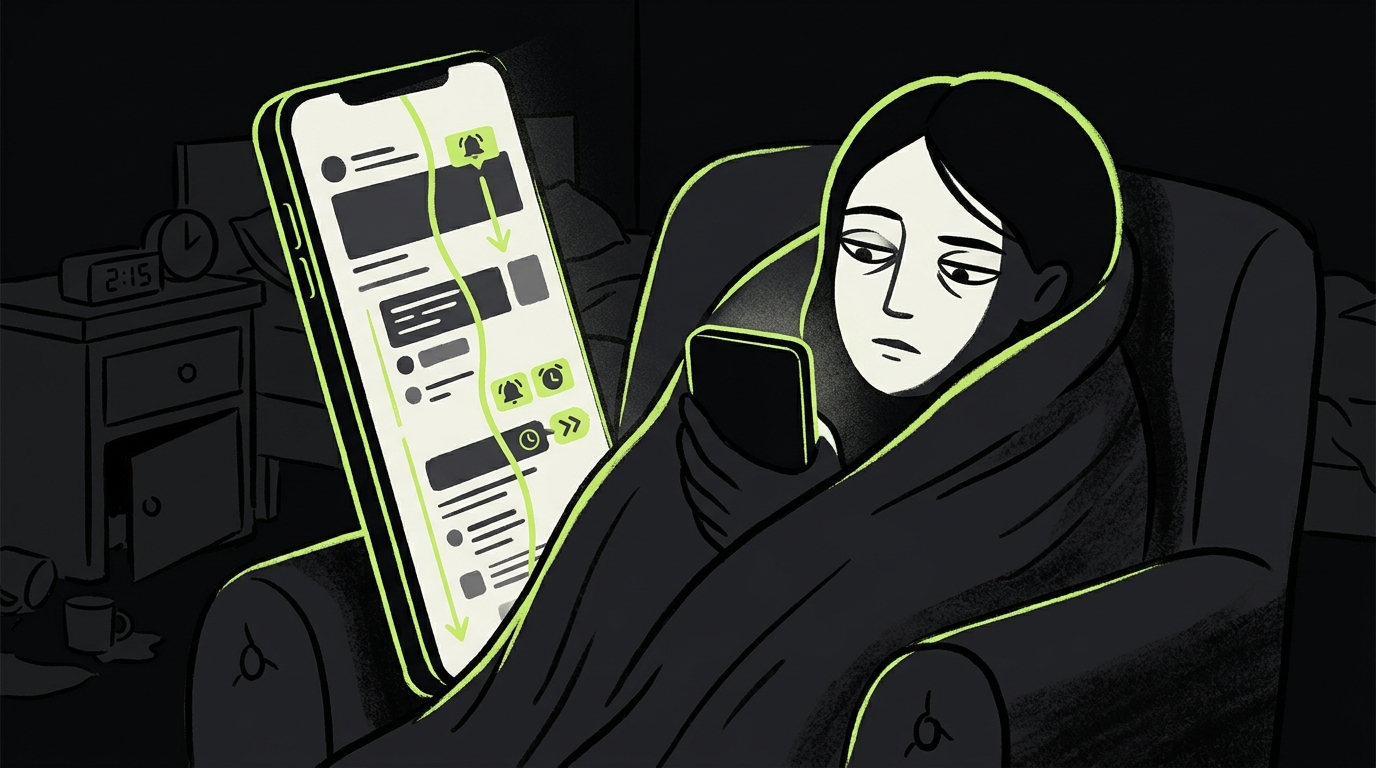
If you have ever picked up your phone to check one headline and looked up forty minutes later feeling worse than before, you already know what doom scrolling does to you. Learning how to stop doomscrolling starts with understanding why your brain refuses to let you put the phone down in the first place.
Negative or uncertain news can create an urge to seek more information, even when reading more is no longer useful. Add an endless feed and no natural stopping cue, and a quick check can become a long session.
Infinite scroll removes natural stopping cues, while recommendation systems can keep producing related material. The result may be a prolonged session even when reading no longer feels informative or useful.
If attention regulation is part of the problem, see our guide to doomscrolling and ADHD.
The Real Cost of Anxiety Scrolling
The effects of habitual anxiety scrolling may go beyond a vague feeling of dread. A 2022 study published in Health Communication found associations between severely problematic news consumption and mental and physical ill-being. Because this was survey research, it does not prove that news consumption caused those outcomes.
In other words, how you consume information matters as much as what you consume.
The broader evidence also needs nuance. A 2026 scoping review found that most doomscrolling studies were cross-sectional and relied on self-report, so causal claims remain premature. Treat persistent anxiety, sleep disruption or impaired daily functioning seriously, but do not diagnose yourself from screen time alone.
There is also an opportunity cost. Every hour spent in a compulsive doom-scroll session is an hour not spent on intentional reading, creative work, or genuine rest. The cumulative drain over weeks and months is significant.
How to Stop Doomscrolling: Step-by-Step
Stopping a deeply conditioned habit requires more than willpower. The strategies below work by restructuring your environment, your phone setup, and your relationship with information — so that the default behavior changes, not just your intentions.
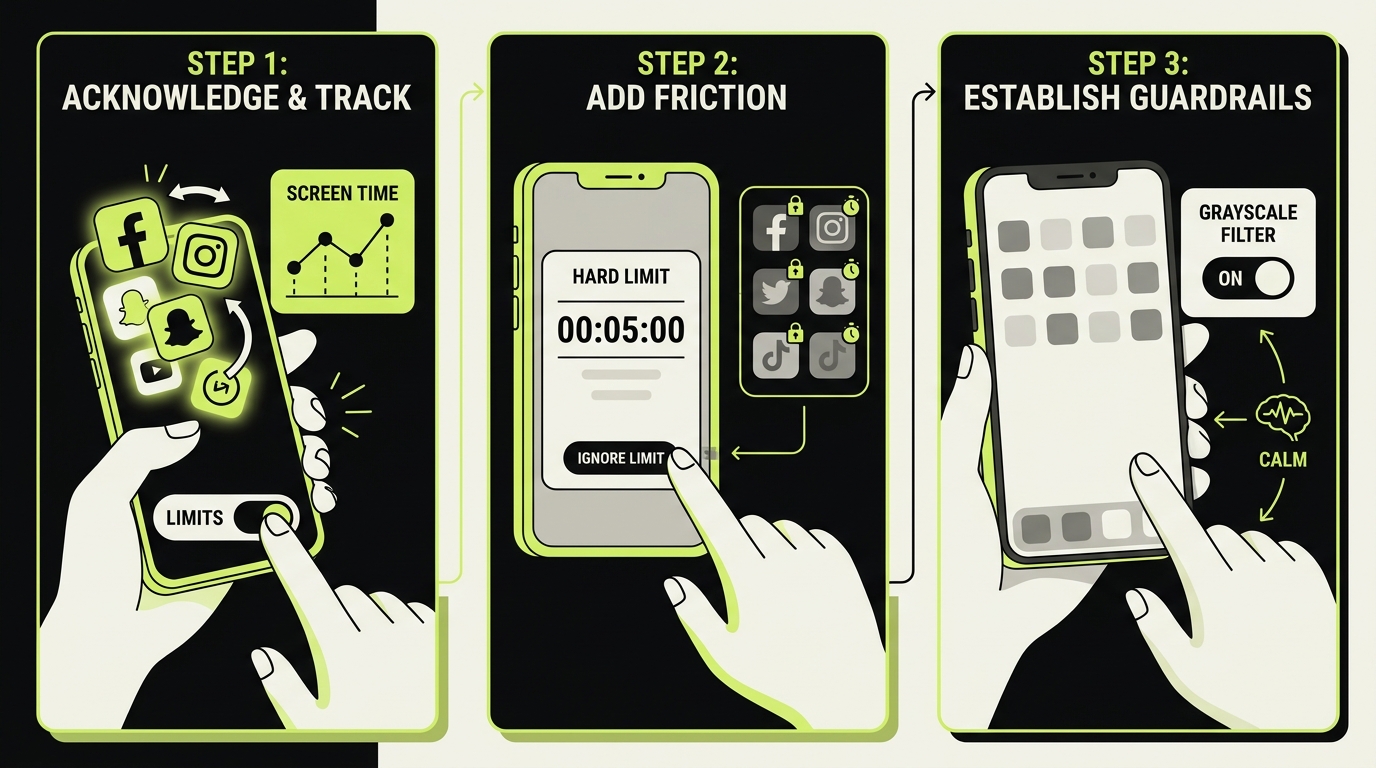
- Measure one ordinary day. Use Screen Time to identify the apps and times associated with unwanted sessions.
- Name the cue. Record what happened immediately before the session: a notification, difficult task, boredom, anxiety or bedtime.
- Choose one boundary. Examples include no news in bed, two scheduled news windows or a ten-minute session limit.
- Remove one trigger. Disable non-essential alerts and move the relevant app away from the Home Screen.
- Add a stopping cue. Use a timer, app limit or explicit question such as “What information am I looking for?”
- Prepare a replacement. Match it to the context: a saved long-form article, short walk, music or a physical book.
- Review after seven days. Compare bedtime use, unwanted checks and mood—not only total screen time—and keep the rule that helped most.
Tools and Apps That Help You Quit Doomscrolling
Tools can make a chosen boundary easier to follow, but no blocker works equally well for everyone. The useful feature is the one that addresses your trigger without blocking access you genuinely need.
For screen time management on iPhone, Best screen time apps for iPhone in 2026 covers the landscape in detail. But beyond raw blocking, a newer category of app focuses specifically on intentional friction — introducing a conscious pause before a scroll session can escalate.
This is one use case for Rtriv. The iPhone app centralizes supported social-media content and web links in a searchable library, while configurable attention controls can add friction or blocking rules before selected apps open. Daily intentions, quotas and reminders help connect the restriction to a concrete plan.
If you want a broader comparison, see Best apps to replace doomscrolling.
Choose the lightest intervention that works: a reminder may be enough for one person, while another may need a schedule or a passcode managed by someone they trust.
Building Long-Term Habits to Stay Off the Feed
Short-term fixes work for days. Sustainable change requires building new defaults that make the old behavior feel less necessary.
Redefine what "staying informed" means to you
One driver of compulsive news scrolling can be the fear of missing something important. The answer is not necessarily to avoid news: a 2025 field experiment found that following credible news accounts on social media modestly improved current-affairs knowledge and belief accuracy. The goal is bounded, intentional consumption rather than an endless feed.
Schedule two brief, intentional news windows per day — morning and early evening — using an RSS reader or newsletter rather than an algorithmic feed. This gives you genuine information without the emotional amplification of a social platform.
Design your phone for intention, not reaction
Your phone's home screen is a behavioral environment. Every app visible on it is a low-friction invitation. Audit it the same way you would audit clutter in a workspace: keep only what supports your goals, remove what doesn't.
Consider a Digital detox: the complete guide to unplugging if you feel the problem has compounded to the point where incremental changes are not enough.
Treat attention as a finite resource
The most durable mindset shift is recognizing that your attention is not just a preference — it is a resource with real limits. Every scroll session that ends in regret is a withdrawal from that resource with no deposit.
Before opening a feed, ask: “What am I trying to learn, and when will I stop?” The question creates a visible endpoint and makes it easier to distinguish intentional reading from an automatic session.
Plan for lapses
One long session does not invalidate the experiment. Note the cue, restore the boundary at the next opportunity and adjust the setup if the same trigger repeats. A plan that survives an imperfect day is more useful than an all-or-nothing detox.
Related reading :
Key Takeaways
- Negative or uncertain news can encourage repeated checking, while endless feeds remove stopping cues.
- Evidence links doomscrolling with poorer well-being, but much of the research is observational and does not establish causality.
- Replace the behavior rather than just blocking it: your brain needs an alternative destination when the scroll impulse fires.
- Scheduled news windows can preserve access to useful information while giving the session an endpoint.
- Long-term change requires redesigning your phone environment and treating your attention as a finite, valuable resource.
Sources Checked
Frequently Asked Questions
About
Équipe RTRIV
We design RTRIV to turn saved content into decisions, projects and moments that are actually lived.