Best Screen Time Apps for iPhone in 2026
Looking for the best screen time apps? Compare top iPhone tools to limit usage, block apps, and actually change your habits. Find your best fit.
The Best Screen Time Apps for iPhone: An Honest Comparison
Here is everything you need to choose the right digital wellbeing app for your iPhone — including one option most comparison guides completely overlook.
On This Page
- Why most screen time apps fail you
- The best iPhone screen time apps compared
- Best app blocker for iPhone: what to look for
- App limit on iPhone: built-in vs third-party
- Rtriv: the screen time alternative that works differently
- Key Takeaways
- FAQ
Why Most Screen Time Apps Fail You
If you've already tried the best screen time apps and still find yourself mindlessly scrolling at midnight, you're not alone — and you're not weak. The problem is structural.
Phone time limiters use different mechanisms: usage reports, schedules, delays and hard blocks. The right choice depends on the behavior you want to change and how much resistance you need at the moment an app opens.
There's a deeper issue too. Most screen usage trackers show you how much time you've spent, but they don't address why you picked up your phone in the first place. Awareness without intervention changes very little.
The apps that actually move the needle tend to work at the moment of temptation — not before, not after. They interrupt the automatic gesture of opening TikTok or Instagram before the scroll loop begins.
That's the lens you should use when evaluating any digital wellbeing app. Not "does it block things?" but "does it change the moment of decision?"
The Best iPhone Screen Time Apps Compared
There is no single best answer here. The right tool depends on what kind of relationship you have with your phone — and what kind of change you're actually ready to make.
Apple Screen Time (Built-in)
Apple's native solution is already on your iPhone. Apple’s official Screen Time guide documents activity reports, App Limits, Downtime and cross-device settings.
For adults managing their own habits, it's a starting point — nothing more. The "ignore limit for today" button is one tap away, which makes it easy to rationalize breaking the rules you set for yourself. Students can pair those settings with this practical guide to focusing on homework without checking a phone.
Opal
Opal is one of the most polished dedicated app blockers for iPhone. It uses Focus Sessions and lets you schedule deep work blocks where distracting apps are completely inaccessible. The interface is clean and the friction to unlock is real.
The downside: it's primarily a blocker. Once the session ends, there's no structural support for what you do instead. Its subscription may not suit every budget; check current pricing before choosing. If you're evaluating alternatives, our article on Opal alternatives breaks down the full picture.
One Sec
One Sec takes a smarter approach. Instead of blocking apps entirely, it inserts a mandatory breathing pause before you can open a social media app. This friction mechanic forces a micro-moment of intentionality.
It's one of the most psychologically grounded tools available — which is why we gave it a full breakdown in our One Sec app review: does it actually work?. The short answer: yes, for many users, a few seconds of pause is enough to break the reflex loop.
Clearspace & Roots
These apps follow a similar philosophy to One Sec — friction and reflection over hard blocking. Clearspace asks you why you want to open an app before letting you in. Roots focuses on streak-based habit replacement.
Both are worth trying if you're in the early stages of evaluating your digital habits.
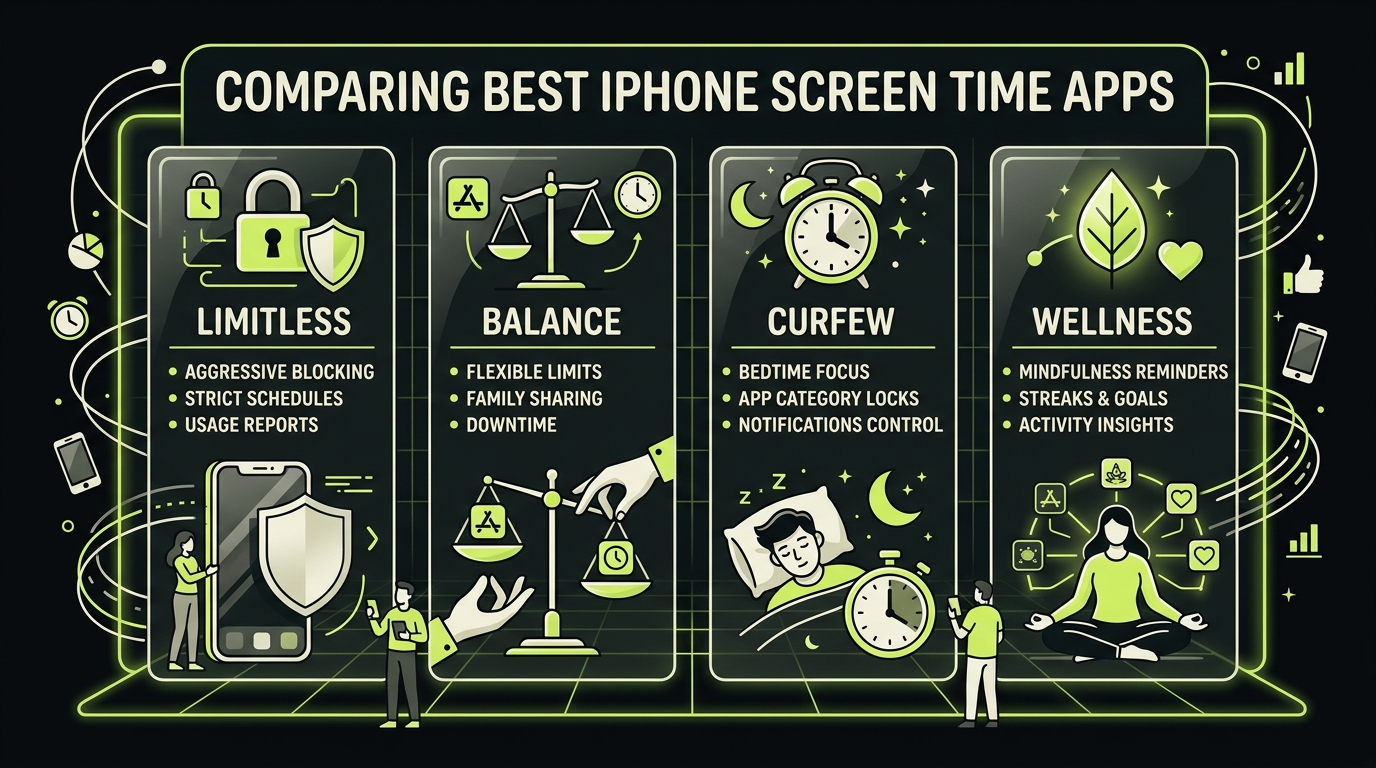
Best App Blocker for iPhone: What to Look For
Not all app blockers are created equal, and choosing the wrong one can set you back. Here's what actually matters when comparing your options.
Bypass resistance
A blocker that's easy to override is decorative. Look for apps that require deliberate effort to disable — a PIN you give to someone else, a delay period, or features that are genuinely hard to circumvent in a moment of weakness.
Scheduling flexibility
The best app blocker for iPhone should fit your actual life. That means custom schedules for different days, work vs. personal mode, and the ability to whitelist specific apps during blocked sessions.
Background philosophy
Ask yourself: does this app want to block your phone forever, or does it want to help you build better habits over time? The most effective tools treat blocking as a bridge, not a permanent solution.
Cost vs. commitment
Before installing another app, test Apple’s built-in Screen Time with one App Limit and one Downtime schedule. If you need a different intervention model, compare the dedicated tools below.
Paid tools justify their cost when they offer features that genuinely change behavior: friction mechanics, session data, or accountability features that free tools don't provide.
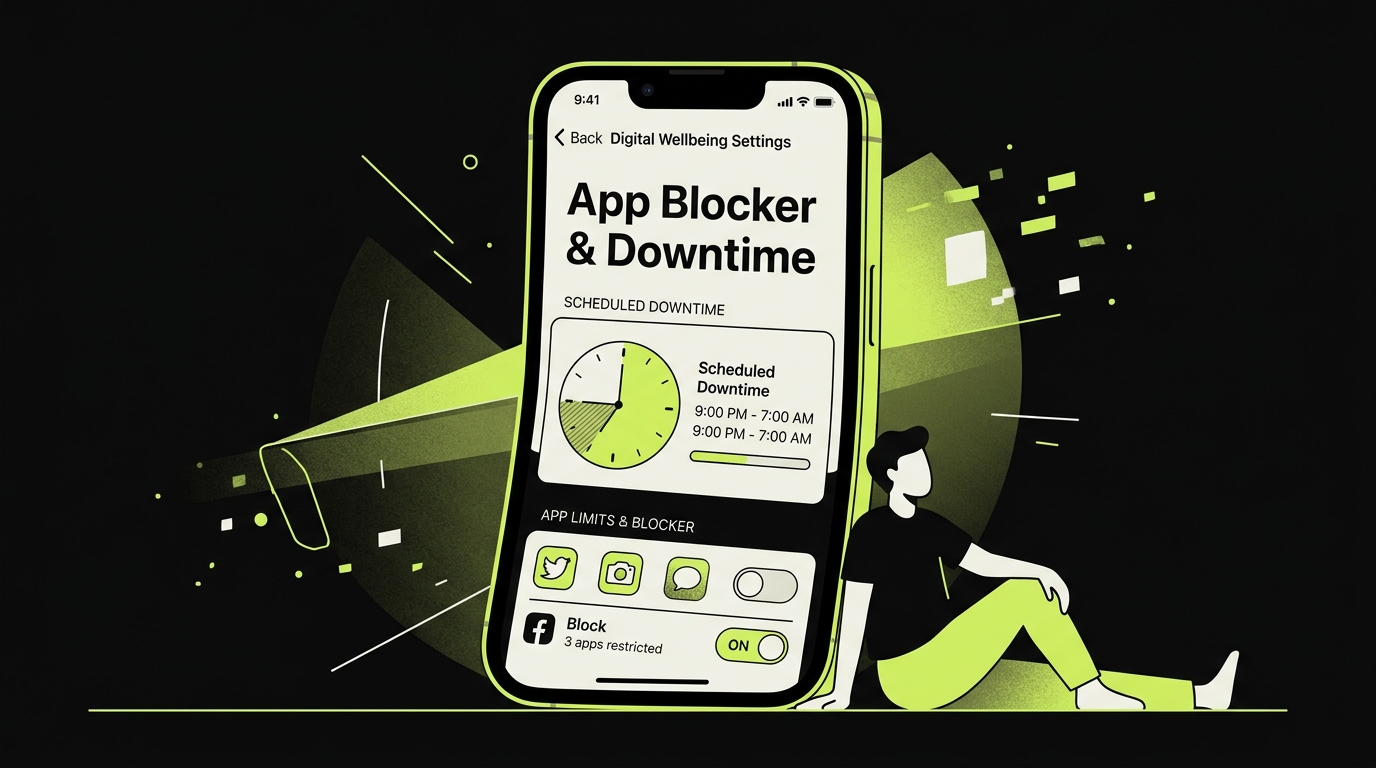
App Limit on iPhone: Built-in vs Third-Party
Apple's native app limit feature is more capable than most people realize. You can set daily time budgets by app category, by specific app, or across the entire device. When the limit hits, a notification appears — and then, one tap later, it's gone.
That single design flaw — the "one more minute" button — is why third-party solutions exist.
When the built-in limit is enough
If your goal is light awareness rather than hard restriction, the native app limit on iPhone does the job. Seeing that you've spent 3 hours on Instagram is sometimes the only nudge you need.
It's also ideal for managing a family plan, where Screen Time limits can be locked with a passcode that only parents control.
When you need more
Heavy users with entrenched scrolling habits typically need something that acts before the app opens, not after 90 minutes have passed. Third-party apps intercept the habit loop earlier.
They also tend to offer better data visualization. Knowing not just how long you scroll, but when and in what context, is far more actionable. A 2023 study in Computers in Human Behavior found that contextual awareness of phone use — not just total duration — was the stronger predictor of successful usage reduction.
That shift from quantity to context is where the most interesting tools are being built.
Rtriv: the Screen Time Alternative That Works Differently
Rtriv combines two related workflows: keeping useful content outside a feed and configuring access to selected apps.
Most people aren't on Instagram or TikTok purely for entertainment. They're looking for things: ideas, recipes, articles, videos, people. The scroll is a delivery mechanism for content that matters to them — mixed in with a lot that doesn't.
Supported social-media content and web links can be shared to Rtriv’s searchable library and collections. Separately, configurable attention controls can add friction or blocking rules before selected apps open, alongside daily intentions, quotas and action-oriented reminders.
For people who feel that pure blockers are too blunt, or that tracking apps show them data they already know but can't act on, Rtriv represents a genuinely different architecture of change. It turns the act of saving content into an intervention against mindless scrolling.
You can explore how it works at rtriv.io.
Key Takeaways
- Most screen time apps fail because they block access without addressing the underlying habit loop — look for tools that intervene at the moment of compulsive opening.
- Apple's built-in Screen Time is a solid starting point for light awareness and family management, but the easy bypass button limits its effectiveness for heavy users.
- Friction-based tools like One Sec or Rtriv are more psychologically grounded than hard blockers — a brief pause is often enough to break the reflex without creating rebound behavior.
- The best digital wellbeing app for you depends on your goal: hard limits, habit awareness, or intentional content engagement. These are different problems requiring different tools.
- Rtriv offers a differentiated approach — not blocking, but redirecting — that works especially well for people who use social media to discover content they actually care about.
Frequently Asked Questions
About
Équipe RTRIV
We design RTRIV to turn saved content into decisions, projects and moments that are actually lived.