Jomo App Review (2026): Is the Free Plan Worth It?
Is Jomo worth paying for? Compare its free plan with Plus, current US prices, blocking rules and Apple Screen Time before choosing an app for your routine.
Jomo app review 2026: is it free and worth it?
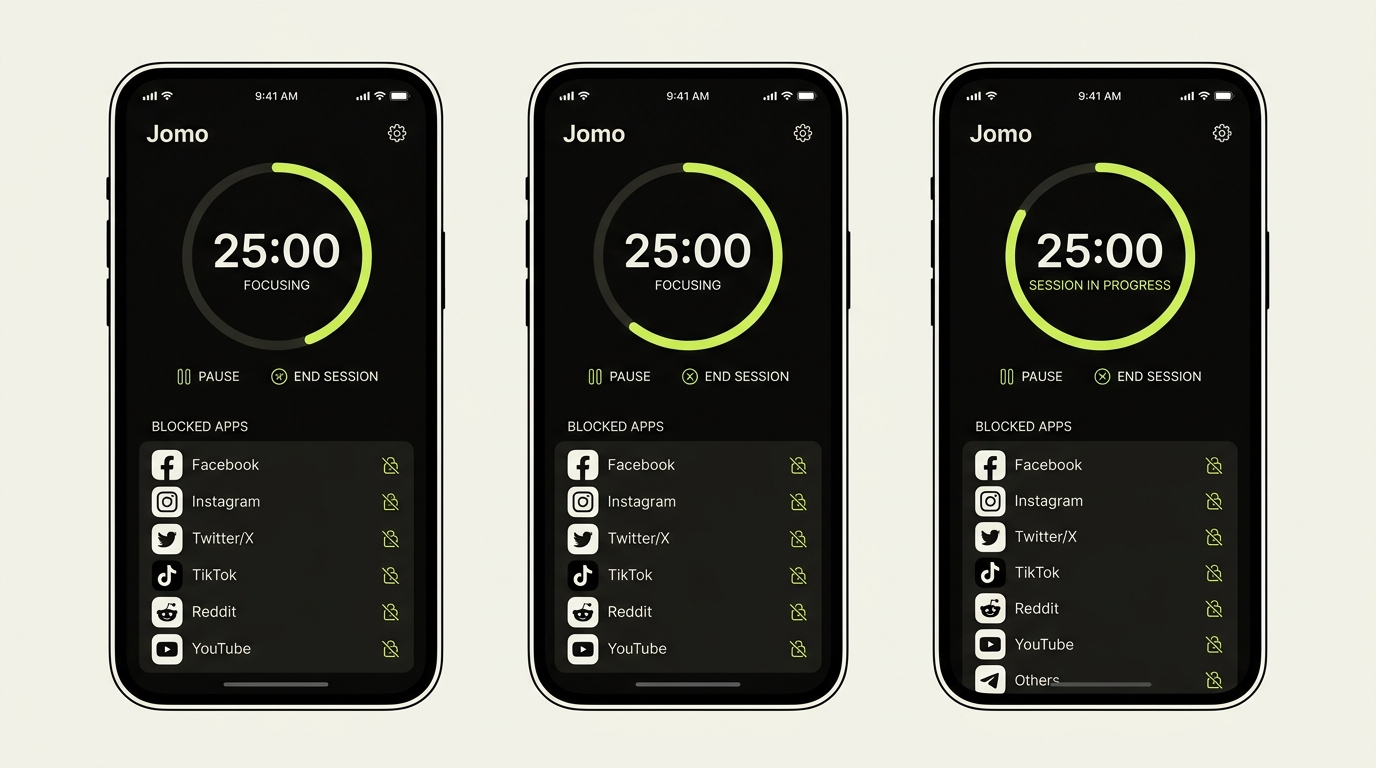
Jomo is a screen-time blocker for iPhone and Mac that can restrict apps and websites using sessions, recurring rules, limits, and budgets. It is a strong fit for people who want more configurable boundaries than Apple's built-in Screen Time. It is not a content organizer, cross-platform Windows/Android solution, or clinical treatment.
Our verdict: Jomo is worth considering for Apple users who want flexible rules and stronger friction than native Screen Time. Its free plan is useful for testing one routine; the paid plan makes more sense only when you need several sessions, limits, budgets, or Strict Mode.
This is a documentation-based comparison, not a hands-on test of blocking reliability. We make Rtriv, which appears among the alternatives below. Jomo's official pricing page and US App Store listing were checked on September 22, 2026. Prices and entitlements can change by region.
Jomo at a glance
| Category | Current position |
|---|---|
| Platforms | iPhone and Mac; App Store also lists iPad/Apple Vision compatibility details |
| Core purpose | Block or limit apps, websites, and categories |
| Free plan | 1 session, 1 action or limit, 1 budget, Squads, reports |
| Annual Plus | $29.99 on Jomo's US pricing page |
| Lifetime | $99.99 on Jomo's pricing page |
| Main constraint | Apple ecosystem and Screen Time framework limitations |
Quick answer: Start with Jomo's free plan if you need one recurring boundary. Plus becomes relevant when you need several simultaneous sessions or limits, multiple budgets, or Strict Mode. If Apple's built-in Screen Time already enforces your routine, paying for Jomo may add little.
Always verify the checkout shown in your country. The App Store listing also displays monthly and family purchases that are not summarized the same way on the marketing pricing page.
What Jomo does well
Flexible blocking rules
Jomo can block selected apps, categories, and websites. The Mac listing names support for browsers including Safari, Chrome, Arc, Opera, Firefox, Edge, and Brave. This is broader than a simple daily app timer.
Sessions, breaks, and strictness controls
Users can create sessions for recurring situations such as work or bedtime and allow intentional breaks. Paid features include more sessions and actions, Strict Mode, multiple budgets, and Apple Health integration according to the pricing page.
A usable free plan
The free tier is limited but enough to test one routine. That is better than evaluating the product solely during a trial that immediately converts to a subscription.
Where the trade-offs are
Setup can become complex
Rules, exceptions, categories, schedules, and breaks offer control, but they also require configuration. Jomo's own App Store release notes acknowledge that creating rules can feel complex and introduce templates to simplify setup.
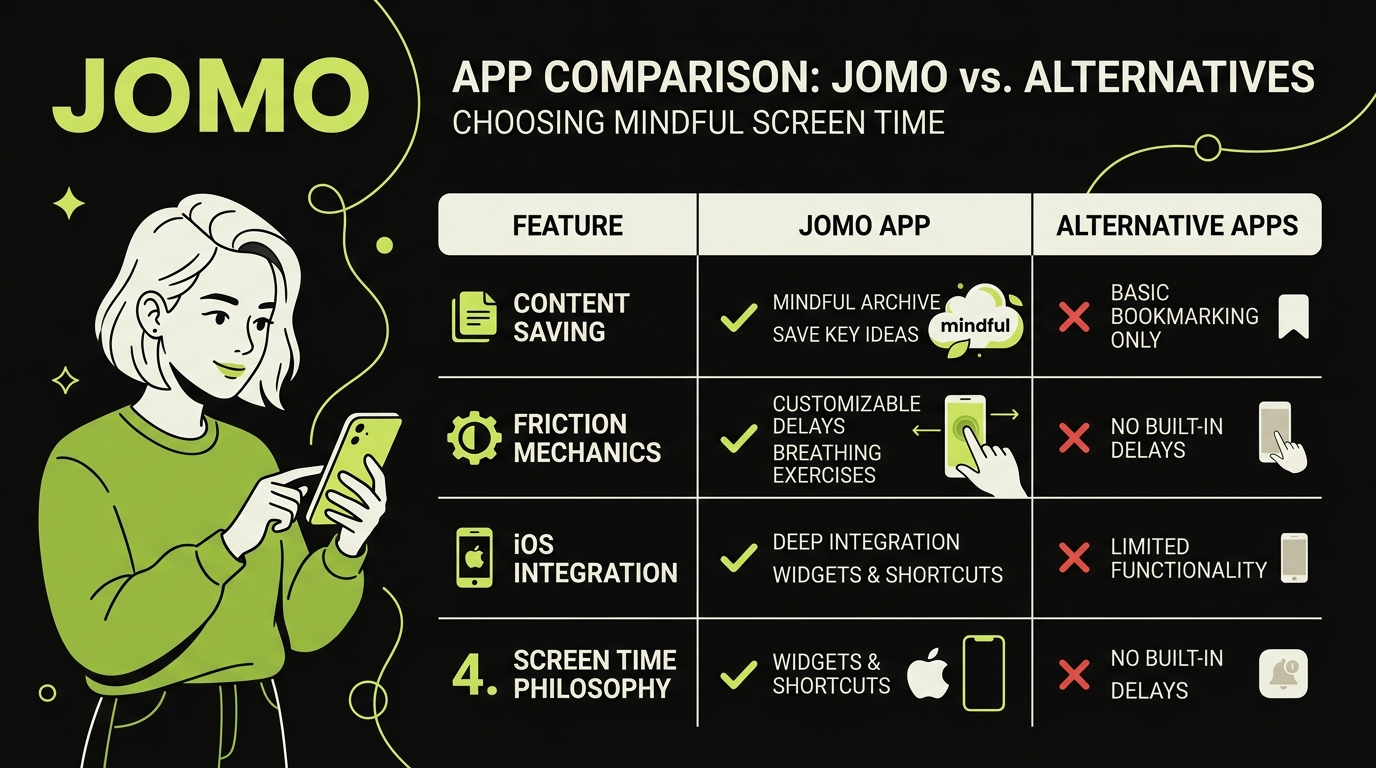
It does not organize useful content
Jomo focuses on access control. If your problem is losing recipes, tutorials, or recommendations inside platform-specific saves, you still need a separate capture and organization layer.
Results depend on the rule
Blocking the wrong category can interrupt messaging or work without reducing the feed that causes the problem. Start with one narrowly defined routine and review whether sleep, focus, or unplanned pickups actually improve.
Is Jomo free? Pricing explained
Yes. Jomo's official pricing page lists a $0 free plan with one session, one action or limit, one screen-time budget, Squads, and reports. This is enough to test a focused rule, but not to build several routines simultaneously.
As of this review, Jomo's official US pricing page lists:
- Free: $0;
- Annual Plus: $29.99 with a three-day trial;
- Student annual: $14.99 after eligibility application;
- Single purchase: $99.99, including family sharing for five people.
The US App Store additionally lists $5.99 monthly and several family or lifetime in-app purchase options; some lifetime listings differ from the marketing page. Taxes, currencies, experiments, and store region may change the actual offer. Treat the checkout screen—not an article—as authoritative.
When is Plus worth paying for?
| Your situation | Sensible first choice |
|---|---|
| One app or one bedtime rule | Try Jomo Free and compare it with Apple Screen Time |
| Several schedules, budgets, or Strict Mode | Compare the current Plus checkout with the value of those specific features |
| A need to save useful posts from the blocked feeds | Pair a blocker with a separate content-saving workflow; Plus does not organize saved posts |
Before subscribing, run one rule for a week and measure a concrete outcome such as unplanned openings or whether your bedtime routine starts on time. That is more informative than comparing feature counts alone.
Alternatives by use case
- Apple Screen Time: best if built-in schedules and limits are enough and you want no new subscription.
- ScreenZen: useful if you want opening delays and session caps without a required subscription; read our ScreenZen review.
- One Sec: designed around a pause before opening selected apps; see our One Sec review.
- Opal: another polished blocker with different pricing and focus features; compare Opal alternatives.
- Rtriv: best considered alongside, rather than as a direct blocker replacement, when the aim is to save and turn social content into actions.
For a broader comparison, see screen-time apps for iPhone.
Verdict
Jomo is a credible option for Apple users who want flexible blocking across apps and websites. Its free plan makes one rule easy to test, while Plus suits people who need several schedules or stricter controls. Look elsewhere if you need Android/Windows coverage, content organization, or a tool requiring almost no setup.
Official sources
Key takeaways
Jomo's strength is configurable blocking across the Apple ecosystem. Test one routine on the free tier before paying, verify local pricing at checkout, and judge success by the outcome you want—not by a marketing claim about percentage of screen time saved.
Frequently asked questions
What does the Jomo app do?
It blocks or limits selected apps and websites through sessions, rules, breaks, and screen-time budgets.
Is Jomo free?
It has a limited free plan. Paid pricing varies by country and should be confirmed in the current App Store checkout.
Is Jomo better than Apple Screen Time?
It is more configurable, while Apple Screen Time is native and free. The right choice depends on the routine you need to enforce.
Is the Jomo app worth it?
It can be worth it when you need several routines or stricter friction across iPhone and Mac. Use the free plan to test one concrete rule first; paying adds little value if Apple's built-in limits already work for you.
Frequently Asked Questions
About
Équipe RTRIV
We design RTRIV to turn saved content into decisions, projects and moments that are actually lived.