ScreenZen Review (2026): Is It Safe, Free and Worth It?
Is ScreenZen safe and free? Compare its app-opening delays, limits and privacy options, then see who should use it and when another tool fits better.
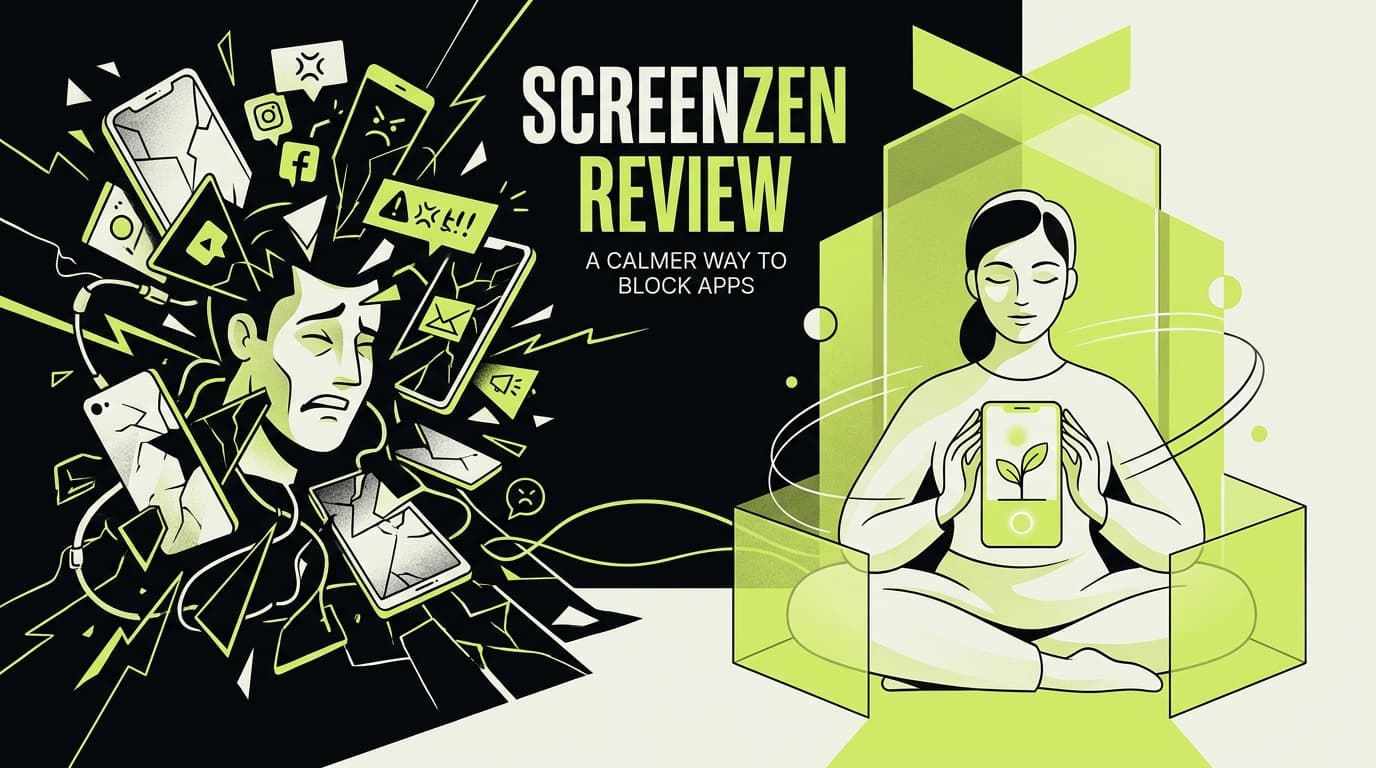
ScreenZen review 2026: is it safe, free and worth it?
ScreenZen is a free, donation-supported blocker for iOS, macOS, Windows, and Android. It can add a delay before opening an app, restrict session length or daily opens, schedule blocks, display an intention prompt, and lock settings against easy changes.
Our verdict: ScreenZen is one of the best free choices for people who repeatedly open a known distracting app. It is legitimate and highly configurable, but it requires thoughtful setup and optional social features do not have the same data flow as its core on-device blocking.
This is a documentation-based review, not a hands-on reliability test. We make Rtriv, an app mentioned among the alternatives below. ScreenZen's official site, privacy policy, and US App Store listing were checked on September 22, 2026.
ScreenZen at a glance
| Category | Current position |
|---|---|
| Price | Free; donation-supported according to ScreenZen |
| Platforms | iOS, macOS, Windows, Android |
| Main tools | Opening delay, session interruption, goals, schedules, strict blocks |
| Best for | Repeatedly opening a known distracting app |
| Main trade-off | Detailed setup and platform-dependent behavior |
Quick answer: Choose ScreenZen if you want a free, configurable pause or limit before opening a distracting app. Stay with Apple Screen Time if basic limits already work. Consider a different tool if you need a tested guarantee that blocks cannot be bypassed on your particular device; this review does not provide one.
How ScreenZen works
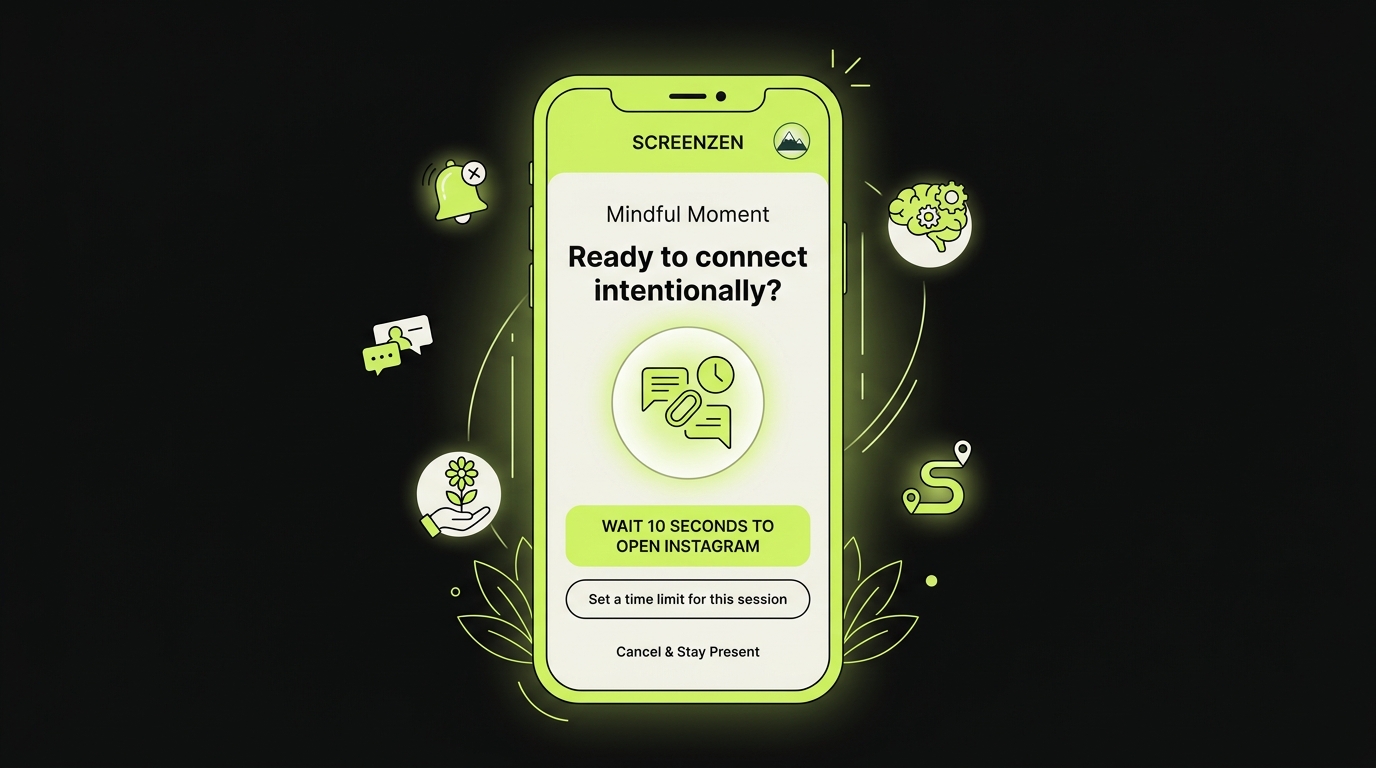
ScreenZen follows a simple pattern: choose the distracting apps, select a limit or schedule, add friction before access, and review the result. Depending on the platform and rule, that friction can be a waiting period, intention prompt, limited number of opens, short access window, breathing exercise, or strict block.
The most useful setup is usually narrow. Choose one app and one measurable situation—such as unplanned Instagram openings after 10 p.m.—then test the rule for a week before blocking more of the phone.
What ScreenZen does well
Multiple kinds of friction
The app is more than a five-second pause. Its App Store listing describes increasing delays, short access windows, limits by time or number of opens, strict schedules, prompts, breathing activities, and locks that make settings harder to change.
That range lets users match the intervention to the pattern. A delay suits automatic tapping; a short session suits feeds that become hard to leave; a scheduled strict block suits bedtime or focused work.
Useful metrics
ScreenZen can focus its reports on selected distracting apps instead of treating Maps or other useful tools as equivalent screen time. This makes the measurement more actionable.
No required subscription
The official site says the core product is completely free and accepts donations. That distinguishes it from blockers whose useful scheduling or strictness features require an annual plan.
Limitations to understand
Setup quality determines results
Too broad a block may interrupt essential communication; too narrow a rule is easy to ignore. Start with one app and one outcome, such as reducing bedtime openings, before configuring every feature.
Platform behavior differs
Apple and Android provide different system controls, and OS updates can affect blocker reliability. Avoid claiming categorically that one version has or lacks a feature unless the current platform documentation confirms it.
A blocker does not address every cause
ScreenZen changes access conditions. It does not diagnose anxiety, ADHD, depression, sleep disorders, or problematic use, and it does not organize the useful content found inside a feed.
Is ScreenZen safe and legit?
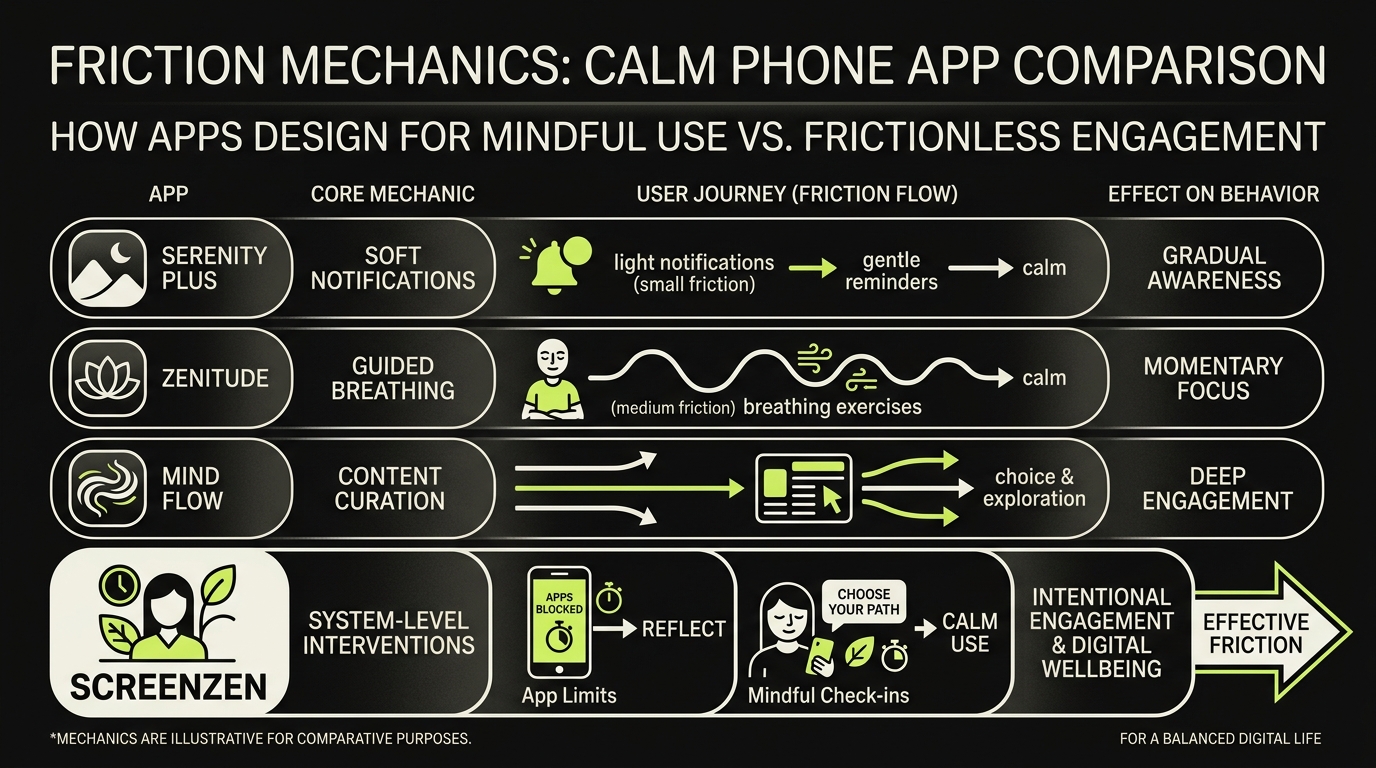
ScreenZen's privacy policy says core blocking settings and data are stored on the device and that the core app collects no personally identifiable information. Optional social-accountability and Halo features are different: the policy says they may use Apple or Google sign-in and store profile, friend, and selected usage information in Firebase.
That makes ScreenZen a legitimate app with a relatively privacy-conscious core, not a guarantee that every optional feature is entirely local. Review the current privacy controls before enabling social sharing and avoid sharing accountability data you would not want stored in the cloud.
The privacy policy also describes separate data handling for optional bug reports and Halo purchases. In other words, “core blocking data stays on-device” is narrower than “ScreenZen never processes personal data.” Check the permission prompts and current policy for the features you actually turn on.
Is ScreenZen good? Our verdict
ScreenZen is good when you want several kinds of friction without a required subscription. Delays address automatic tapping, session limits address feeds that are hard to leave, and schedules address predictable periods such as bedtime. The trade-off is configuration: a poorly chosen block can interrupt useful communication or become easy to dismiss.
ScreenZen is one of the strongest first choices when cost matters and you want more than Apple's basic limits. Its combination of opening delays, session caps, strict blocks, and settings protection covers several patterns. It is less suitable when you want zero configuration, content organization, or professional support for significant distress.
Test one rule for a week and compare the outcome that matters—bedtime, completed work, or unplanned openings—rather than relying on testimonials or a promised percentage reduction.
A practical seven-day test
- Pick one app and one problem period, such as Instagram after 10 p.m.
- Record the number of unplanned openings for two days before changing the rule.
- Add a delay or session cap; leave essential communications accessible.
- Review the same measure after a week. If openings simply move to another app, change the rule rather than adding stricter limits everywhere.
This is a way to assess fit, not evidence that ScreenZen will produce a particular health outcome.
ScreenZen alternatives
- Apple Screen Time: native, free, and sufficient for basic schedules and limits.
- One Sec: emphasizes an intentional pause before selected apps; see our One Sec review.
- Jomo: offers configurable sessions and screen-time budgets on Apple devices; compare our Jomo review.
- Opal: offers a polished session-based blocker with a different paid model; compare Opal alternatives.
- Rtriv: complements blockers by extracting and organizing useful social content, giving a browsing session a practical off-ramp.
See best screen-time apps for the broader decision.
Official sources
- ScreenZen — official product site
- Apple App Store — ScreenZen features and compatibility
- ScreenZen — privacy policy
Key takeaways
ScreenZen combines several useful blocking strategies without a required subscription. Configure one targeted rule, verify behavior on your operating system, and understand that optional social features have different privacy implications from core on-device blocking.
Frequently asked questions
What does ScreenZen do?
It offers delays, short sessions, app goals, schedules, strict blocks, prompts, and settings protection.
Is ScreenZen free?
Its official site describes it as free and donation-supported, with no subscription required.
Which platforms support ScreenZen?
ScreenZen lists iOS, macOS, Windows, and Android; exact capabilities may differ by operating system.
Is ScreenZen safe and legit?
Yes, ScreenZen is a legitimate app. Its privacy policy says core settings and blocking data remain on the device, while optional social and Halo features can use account and cloud services.
Is ScreenZen good?
It is a strong free choice for customizable delays, opening limits, sessions, and schedules. Start with one targeted rule because the number of options can otherwise make setup unnecessarily complex.
How does ScreenZen work?
Select the apps you want to control, choose a schedule or limit, and configure what happens before access. ScreenZen can introduce a delay, intention prompt, limited number of opens, short session, or strict block depending on the rule and platform.
Frequently Asked Questions
About
Équipe RTRIV
We design RTRIV to turn saved content into decisions, projects and moments that are actually lived.