How to stop doomscrolling at night: 5 practical steps
Stop scrolling in bed with a realistic five-step plan: set a cutoff, move the phone, block trigger apps, replace the habit, and review what works.
How to stop doomscrolling at night
To stop doomscrolling at night, create a 30-to-60-minute phone cutoff, charge the device away from the bed, schedule restrictions for the apps that start the loop, and prepare one quiet replacement activity. Configure these changes earlier in the day; midnight is a poor time to redesign your environment.
Tonight's minimum plan: choose a cutoff, place the charger outside arm's reach, silence nonessential alerts, and leave a book or notebook where the phone normally sits.
Why bedtime scrolling is difficult to stop
A feed supplies another item without requiring a new decision. In bed, the phone is often close, the room is quiet, and there is no external event that ends the session. That combination can turn a quick news check into a much later bedtime.
Sleep research supports caution without proving that every screen affects every person identically. A systematic review of people aged 16–25 found that most included studies of bedtime or nighttime digital media use reported associations with poorer sleep outcomes. A 2025 adult study described the relationship as more complex and dependent on the behavior and sleep measure examined. Much of this evidence is observational, so it should not be presented as proof that one scroll session directly causes insomnia.
The content also matters. In an American Academy of Sleep Medicine survey of 2,007 U.S. adults, 38% said viewing news or current events on a phone or tablet before bed made their sleep slightly or significantly worse. This is self-reported survey evidence, not a clinical effect size, but it captures a recognizable problem: stressful information can be a poor transition into sleep.
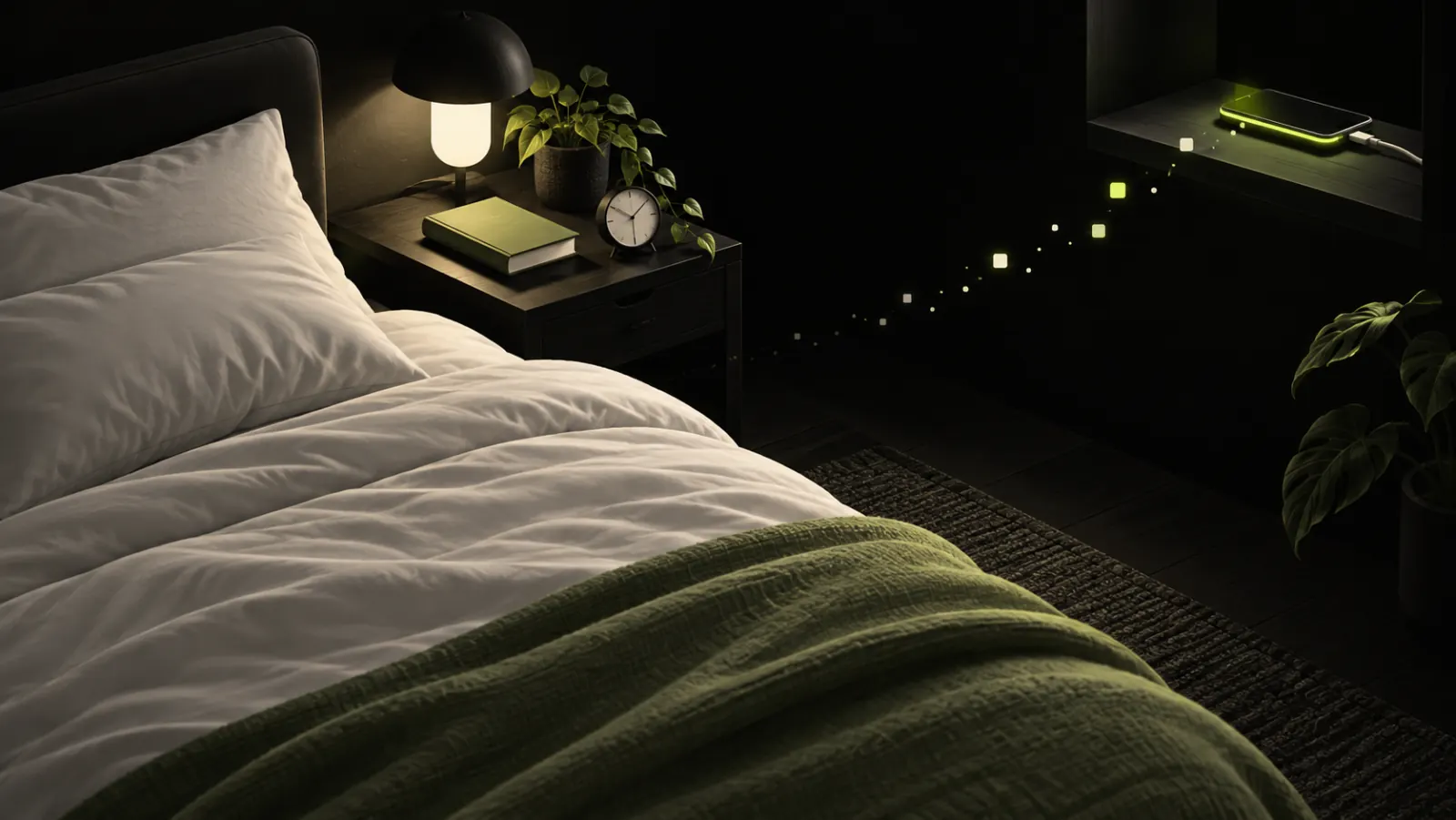
A five-step plan to stop scrolling in bed
1. Choose a cutoff you can observe
The AASM recommends turning off electronics 30 to 60 minutes before bedtime. Pick a specific time rather than an intention such as “use my phone less.” If you aim to sleep at 11 p.m., a 10:15 p.m. cutoff is clear enough to test.
Do not make the first attempt unnecessarily strict. A reliable 30-minute boundary is more useful than a two-hour rule abandoned after one evening.
2. Move the phone before you are tired
Charge the phone outside the bedroom when practical. If it must remain nearby for calls or caregiving, place it across the room, turn off nonessential notifications, and keep emergency contacts allowed.
Using a separate alarm clock removes a common reason for keeping the device beside the pillow. The goal is not symbolic distance: it is to add enough effort that opening a feed becomes a decision rather than the next automatic movement.
3. Restrict the apps that begin the loop
Block the smallest useful set of apps during the cutoff period. On iPhone, Screen Time can schedule Downtime and app limits. A bedtime Focus can silence alerts, although Focus primarily filters notifications and does not necessarily prevent you from opening an app.
RTRIV's configurable attention controls can add friction or blocking rules before selected apps open. Set the rule before the evening and preserve access to genuinely necessary tools. The aim is a visible stopping point, not a phone that becomes unusable in an emergency.
4. Prepare a low-friction replacement
Removing the phone leaves an empty cue. Decide in advance what happens next:
- read a physical book for ten minutes;
- write tomorrow's first task on paper;
- take a warm shower;
- listen to calm audio with the screen locked;
- perform a familiar, quiet routine.
Choose something already available beside the bed. A replacement that requires searching, shopping, or another app adds too many decisions at the moment the old habit appears.
5. Review the trigger, not only the minutes
After three nights, ask what started the session. Was it a notification, a saved post you wanted to find, unfinished work, stressful news, or simply the phone's location?
Change one condition at a time. If notifications were the cue, silence them. If you reopened Instagram to retrieve a recipe or place, save supported content through the iOS share sheet during the day. RTRIV can place those saves in a searchable library or collection and, depending on the source, extract useful information such as a title, summary, ingredients, or steps. That creates a route back to the useful item without searching the original feed at bedtime.
Common approaches that fail
| Approach | Why it often fails | Better test |
|---|---|---|
| “Only five more minutes” | The feed provides no natural endpoint | Set an external cutoff or scheduled restriction |
| Keeping the phone beside the pillow as an alarm | The trigger remains within reach | Use an alarm clock or charge it across the room |
| Relying only on a warm display | It changes the screen, not the feed or stopping rule | Combine display settings with a cutoff |
| Blocking every app immediately | Necessary access gets interrupted | Start with the one or two apps that initiate the loop |
| Measuring only total screen time | The bedtime context disappears in the daily total | Track whether the phone entered the bed and the actual lights-out time |
A realistic seven-night experiment
For one week, keep the plan deliberately small:
- use the same cutoff every night;
- place the phone in the same charging location;
- restrict one trigger app;
- use one prepared replacement activity;
- record bedtime and whether the phone returned to bed.
At the end of the week, keep the element that changed the behavior and remove unnecessary complexity. The useful outcome is not a perfect streak; it is knowing which condition makes the unwanted session less likely.
For daytime patterns and a broader set of interventions, read How to stop doomscrolling.
When sleep problems need more than a phone routine
This plan addresses access and habit cues. It does not diagnose or treat insomnia, anxiety, depression, or another health condition. If sleep problems persist, impair daytime functioning, or create significant distress, contact a qualified health professional. The AASM also provides a directory of accredited sleep centers.
Key takeaways
- Start with a concrete 30-to-60-minute cutoff before bed.
- Physical distance from the phone removes the easiest trigger.
- Restrict the apps that begin the loop instead of disabling everything.
- Prepare the replacement activity before the evening.
- Treat sleep research as evidence of association and practical risk, not proof of an identical effect for everyone.
Sources
- American Academy of Sleep Medicine — Doomscrolling at bedtime survey and recommendations
- AASM Sleep Prioritization Survey — methodology and full results
- Brautsch et al. — Systematic review of digital media use and sleep in young people
- Vézina-Im et al. — Bedtime screen use and adult sleep health
Frequently asked questions
How long before bed should I stop using my phone?
The AASM recommends turning off electronics 30 to 60 minutes before bedtime. Start within that range and favor a schedule you can repeat.
Does Night Shift solve the problem?
It can change the display's color temperature, but it does not remove notifications, stimulating content, or the infinite feed. Combine it with a clear stopping rule.
What if I need my phone for emergencies?
Keep it across the room, silence nonessential alerts, and allow the contacts who genuinely need to reach you. The plan should preserve essential access.
Frequently Asked Questions
About
Équipe RTRIV
We design RTRIV to turn saved content into decisions, projects and moments that are actually lived.