How to Find Saved Reels on Instagram (2026)
Find saved Reels on Instagram through Profile → Menu → Saved, then organize collections and troubleshoot missing bookmarks with this current guide.
How to Find Saved Reels on Instagram — and Actually Use What You Save
To find saved Reels on Instagram, open Profile → three-line menu → Saved, then open All Posts or the collection you used. Saved items are private bookmarks to the original posts, not downloaded copies.
On This Page
- Where are saved reels on Instagram?
- How to find bookmarks on Instagram step by step
- How to use collections to organize your saved reels folder
- Why saved content disappears — and what to do about it
- The deeper problem with Instagram bookmarks location
- A better system for saving Instagram content
- Key Takeaways
- FAQ
Where Are Saved Reels on Instagram?
Instagram groups bookmarked Reels, photos and carousels in the Saved area of your profile. It is separate from Likes, your archive and downloaded media.
Your saved Reels live inside a section of your profile called Saved. Saved items are private to your account. Shared or collaborative collection features, when available, are a separate workflow and may expose selected items to participants.
The location of your Instagram bookmarks hasn't changed dramatically over the years, but the interface has shifted enough that users who set up their account on an older version sometimes struggle to find it on a new device or after an app update.
Understanding where saved reels live is the first step. The second — and more important — step is building a habit of actually revisiting them.
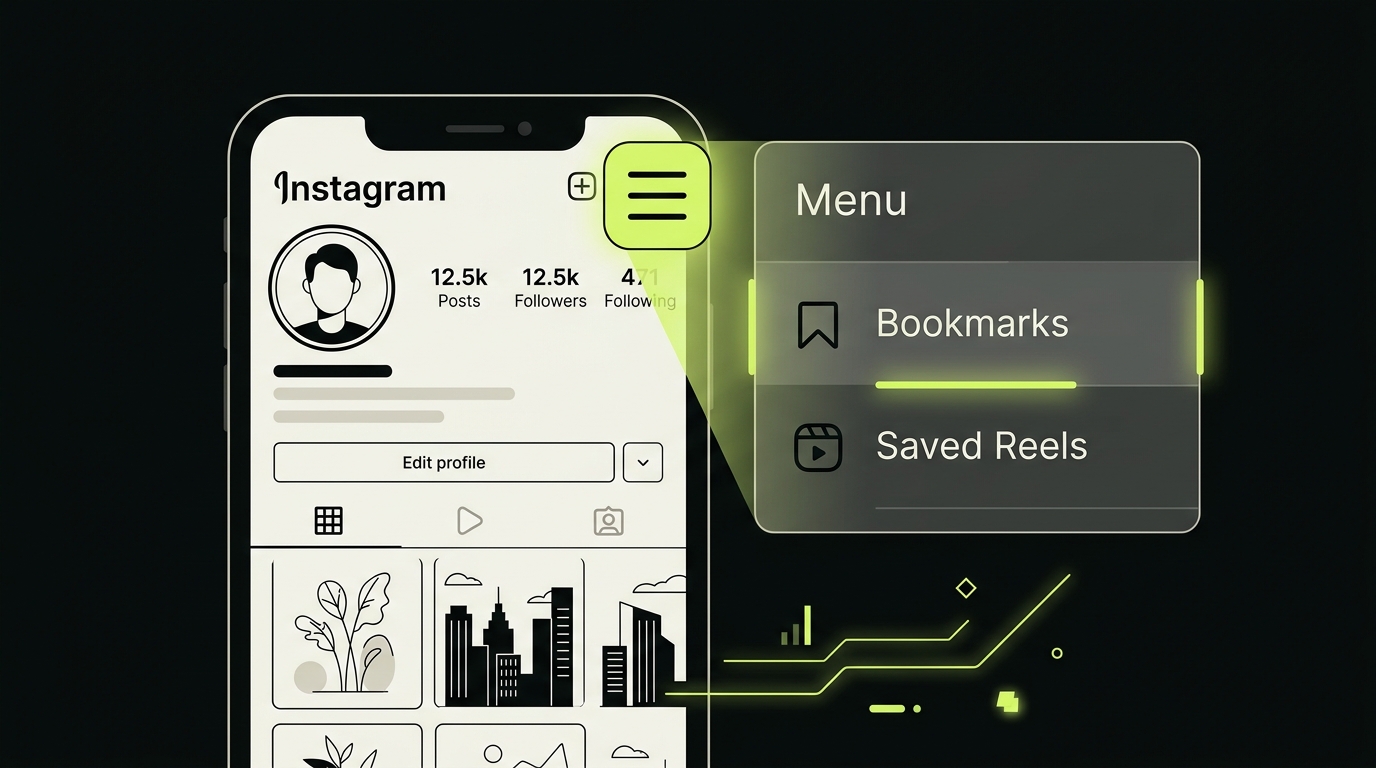
How to Find Bookmarks on Instagram Step by Step
Finding your saved reels takes less than ten seconds once you know the path. Here's exactly how to do it on iOS or Android in 2026.
Step 1 — Open Your Profile
Tap the circular profile icon in the bottom-right corner of the Instagram app. This takes you to your personal profile page.
Step 2 — Open the Menu
Tap the three horizontal lines (hamburger icon) in the top-right corner of your profile screen. A slide-out panel will appear from the right.
Step 3 — Tap "Saved"
In that panel, select Saved. This is your Instagram bookmarks location — the central hub for everything you've ever bookmarked on the platform.
Step 4 — Browse or Search Within Saved
You'll usually land on All Posts, where Reels can appear alongside photos and carousels. Filters and labels can change between versions, so use collections when a mixed grid becomes difficult to scan.
Step 5 — Tap Any Thumbnail to Play
Tap a reel thumbnail to open and watch it. From here you can re-share it, copy the link, or add it to a collection.
This path — Profile → Menu → Saved — is the same whether you're looking to find saved bookmarks from last week or something you bookmarked months ago.
How to Use Collections to Organize Your Saved Reels Folder
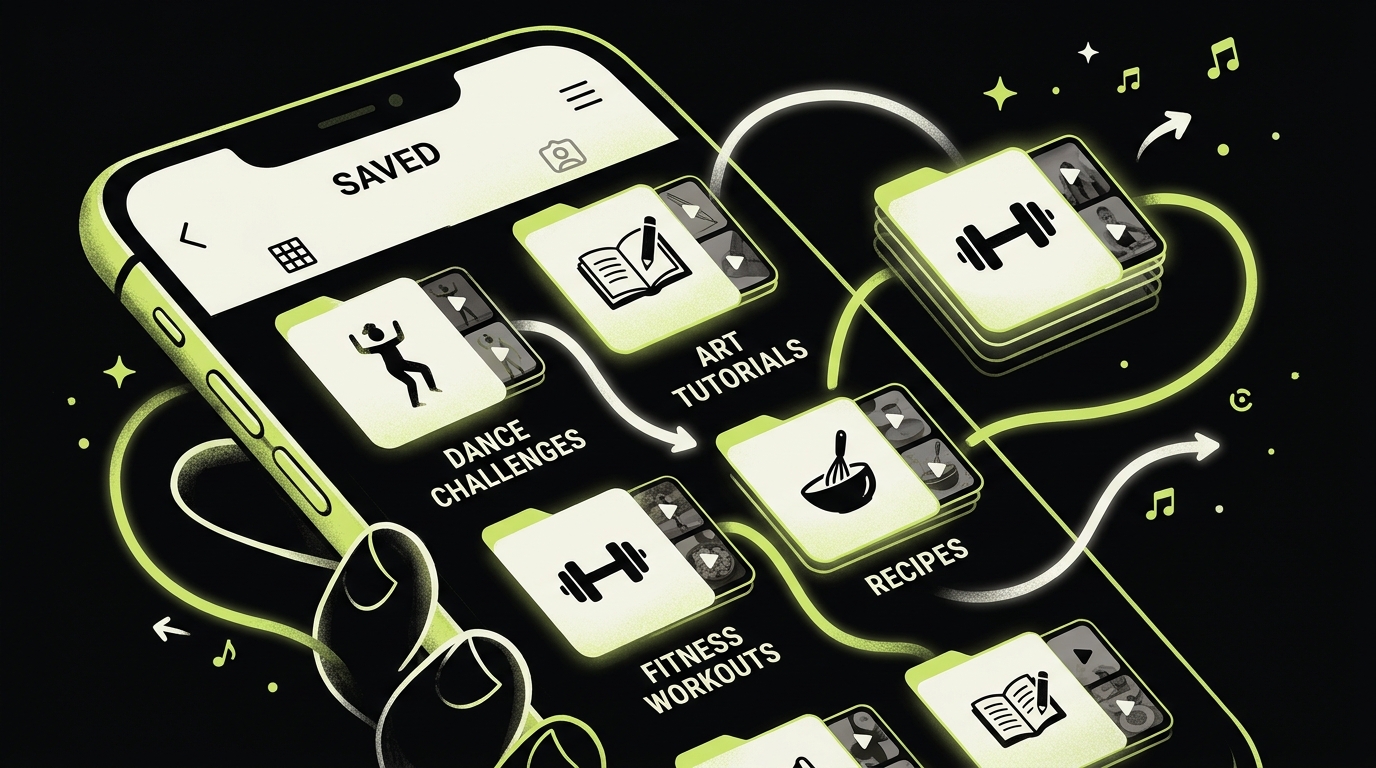
Instagram lets you create named collections inside your Saved section. Think of each collection as a folder — a way to separate your saved reels folder by theme, purpose, or project.
Creating a New Collection
Inside the Saved section, tap the + icon in the top-right corner. Give your collection a name — "Recipes," "Workouts," "Inspiration," whatever fits your life. You can create as many as you want.
Adding Reels to a Collection
There are two ways to add content to a collection. The first is at the moment of saving: when you tap the bookmark icon on a reel, Instagram gives you the option to save it directly to a specific collection rather than the general feed. The second is retroactively: open a saved reel, tap the bookmark icon again, and choose which collection to move it to.
Why Collections Matter
Without collections, saved content becomes a single chronological pile. A small set of purpose-based collections—such as Recipes to cook, Places to visit and Projects to try—usually makes manual retrieval easier than dozens of narrow folders.
For anyone using Instagram as a source of ideas, references, or learning material, collections are the difference between a useful archive and a digital junk drawer.
Why Saved Content Disappears — and What to Do About It
One of the most frustrating experiences with Instagram bookmarks is opening your saved section and finding a broken thumbnail or a missing video. This happens for a specific reason: Instagram saved content is linked to the original post.
If the creator deletes or archives the Reel, removes your access or deactivates the account, the bookmark may no longer open. Instagram does not store a separate copy in your Saved area.
This is a fundamental limitation of Instagram's bookmarks location system. You're not saving a copy — you're saving a reference. The distinction matters enormously if you're using your saved reels folder as a working library.
What You Can Do
For your own content, check Instagram's current download or account-export options. For someone else's Reel, bookmarking or saving the link does not grant permission to download or republish it. Ask the creator when you need an authorized copy.
For reference material, you can store the link with notes or extracted details in a dedicated library. The original media may still become unavailable if the source disappears.
The Deeper Problem With Instagram Bookmarks Location
Instagram Saved works well for lightweight bookmarking, but it mixes formats and depends on the original post. If you use saved content for recipes, research or projects, retrieval—not the initial bookmark—is usually the harder part.
This reframes the question: after finding the bookmarks, what small collection structure will help you retrieve and use them?
If Saved Is Missing or a Reel Will Not Open
- Confirm that you are signed into the account that created the bookmark.
- Update Instagram, then check the profile menu again; labels can move between releases.
- Inspect All Posts and each collection instead of assuming the item was filed in one place.
- Open another saved item to distinguish a single unavailable post from a broader app issue.
- If several items fail, restart the app and use Instagram's in-app help or problem-reporting flow.
A Better System for Saving Instagram Content
If you want to actually use what you save — not just accumulate a graveyard of bookmarked reels — you need a system that works outside of Instagram's incentive structure.
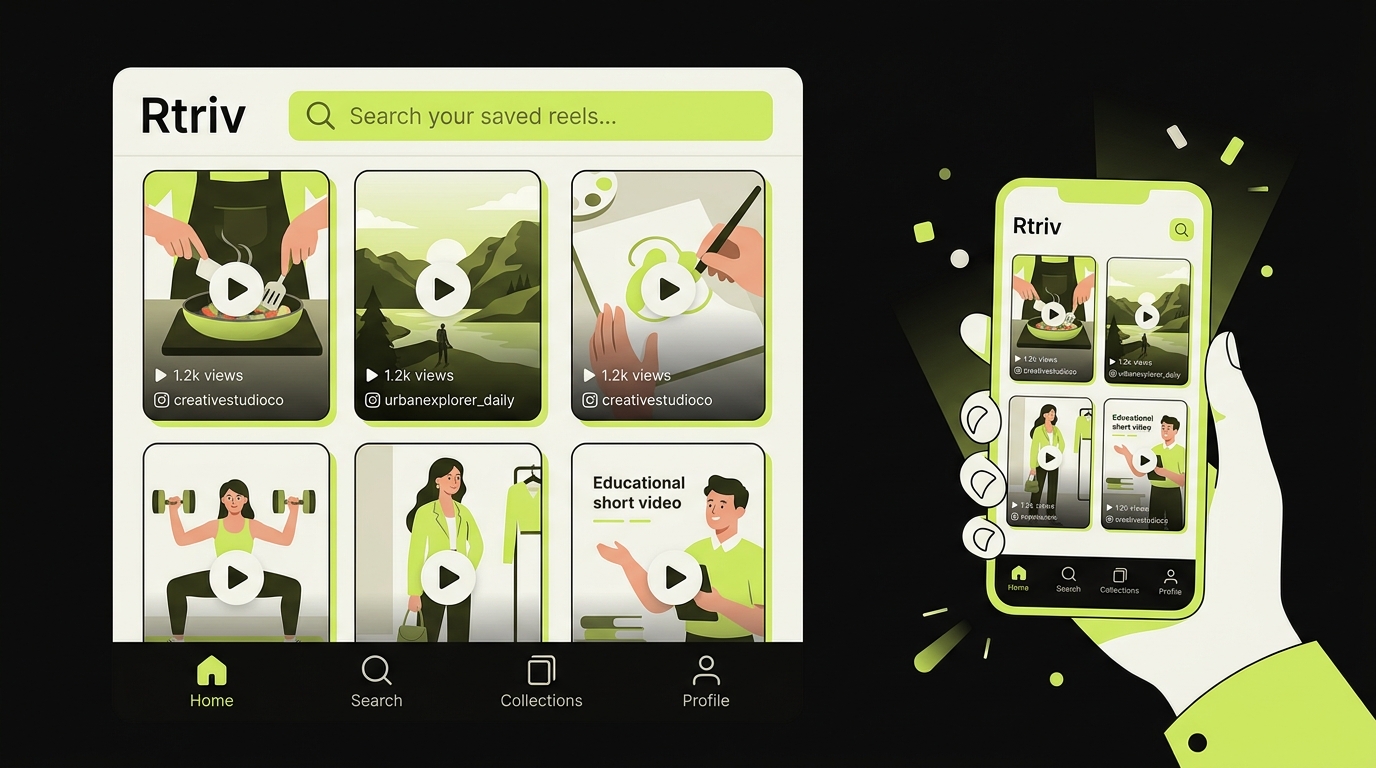
Rtriv offers another workflow on iPhone: share supported social-media content or a web link through the iOS share sheet, then retrieve it from a searchable library or collection. Depending on the source, Rtriv can extract information such as a title, summary, transcript, ingredients or steps.
Rtriv stores a structured save, not a guaranteed permanent copy of the creator’s media. If the original source disappears, some linked content may no longer be available.
If you want to reuse or repost a Reel rather than simply bookmark it, ask the creator first. Meta’s copyright guidance notes that crediting a creator or finding a work online does not by itself grant permission to post it.
For a full overview of how to build a smarter saving habit across platforms, see How to save content from social media: the complete guide. For a broader walkthrough of Instagram’s saved content, use How to find saved posts on Instagram.
If your library spans several accounts, see How to organize Instagram saved posts across multiple accounts.
If you're newer to the saving workflow, start with How to save reels on Instagram before diving into organization.
The goal isn't to save more. It's to save better — and actually come back to what matters.
Related reading :
Key Takeaways
- To find saved reels on Instagram, go to your profile, tap the three-line menu, and select "Saved" — all your Instagram saved content lives there.
- Create a small number of purpose-based collections to make retrieval easier.
- Saved content on Instagram is a reference, not a copy — if the creator deletes their reel, it disappears from your saves with no warning.
- If Instagram’s mixed Saved grid no longer scales, an external searchable library can make project-based retrieval easier.
- The real productivity win isn't finding your saves faster — it's building a habit of saving intentionally so your library stays useful.
Source Checked
Frequently Asked Questions
About
Équipe RTRIV
We design RTRIV to turn saved content into decisions, projects and moments that are actually lived.